
Previous
Next
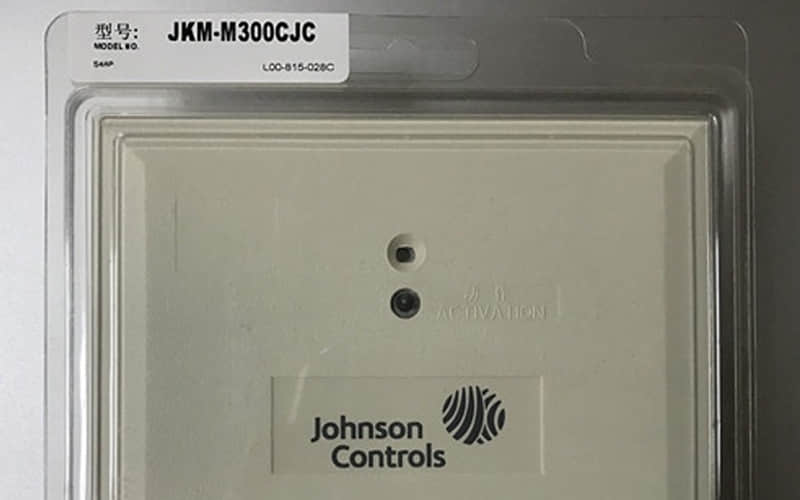
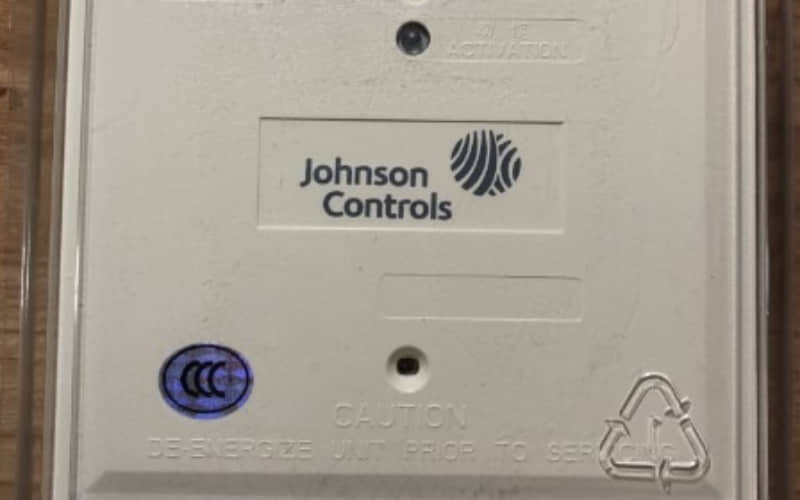
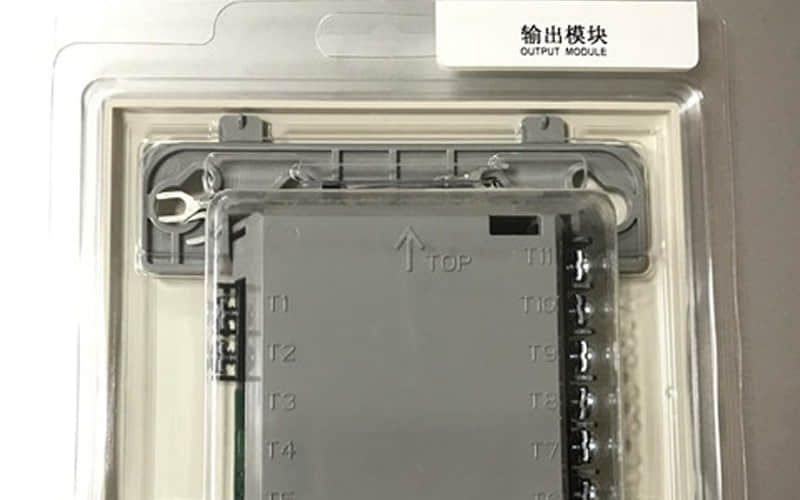
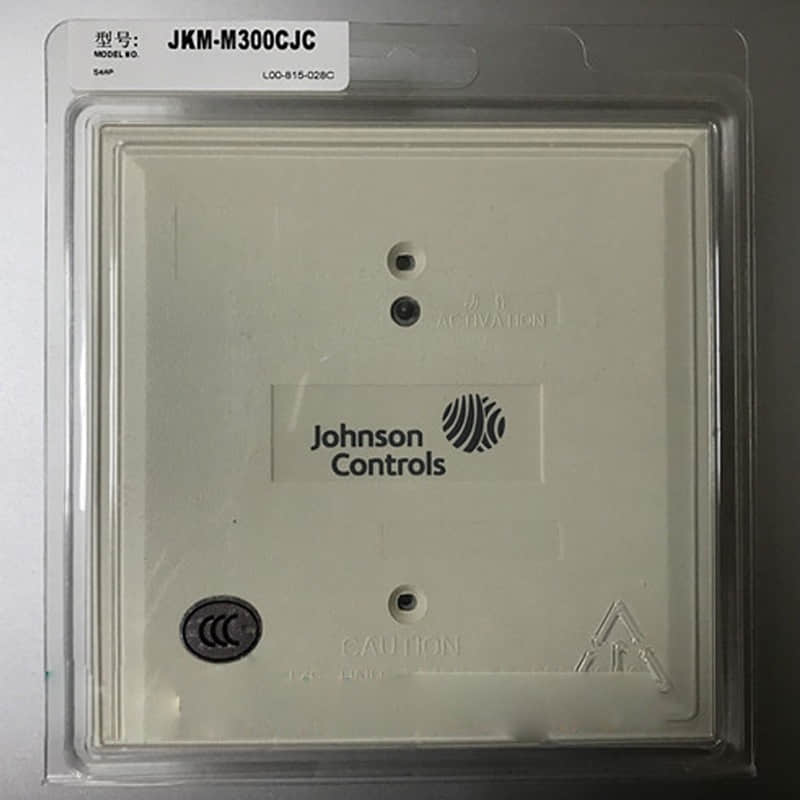
Johnson Controls JKM-M300CJC/M300CJ Output Module
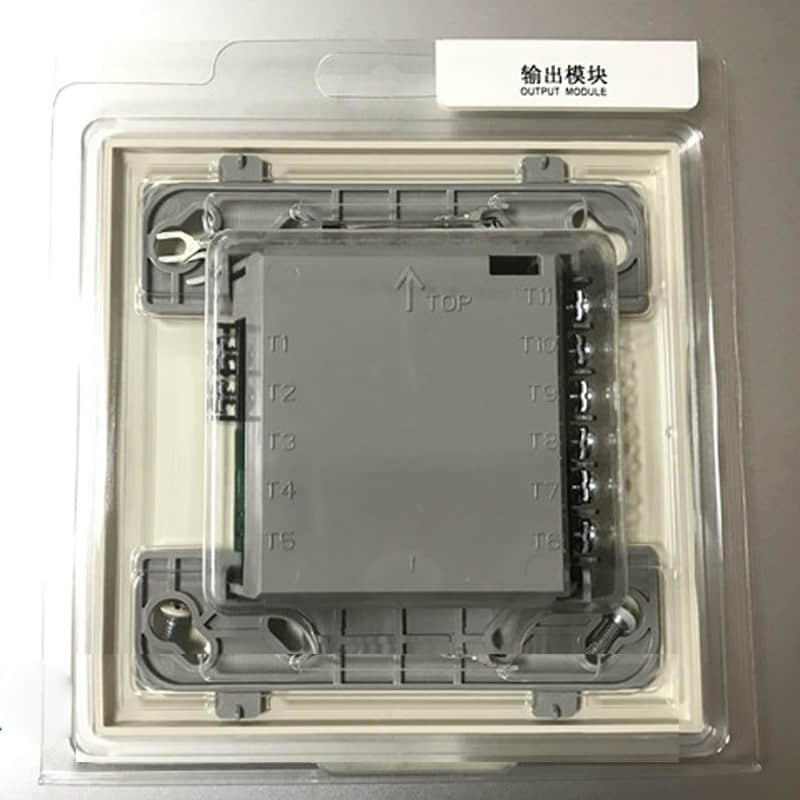
General Description
The JKM-M300CJC/M300CJ Output Module is a pivotal component in fire alarm systems. It provides essential output functions that activate alarms and notifications during a fire incident. Its design focuses on reliability and efficiency, making it suitable for diverse applications across multiple sectors.
Technical Specifications of JKM-M300CJC
l Power Supply: 24 VDC
l Output Types: Relay outputs (Form C) for alarm signalling
l Current Rating: 1A per output
l Communication Protocols: Compatible with addressable fire alarm systems
l Operating Temperature Range: -10°C to 50°C
l Dimensions: Compact form factor for easy installation
Detailed Features
1. Multiple Relay Outputs: Supports multiple outputs for diverse alarm signalling needs, enhancing system flexibility.
2. Addressable Capability: Allows for precise identification of alarms within the system, improving response accuracy.
3. LED Indicators: Provide visual feedback on module status and output activation.
4. Configuration Options: Easily configurable settings to adapt to various operational requirements.
Applications of JKM-M300CJC
The JKM-M300CJC/M300CJ Output Module is ideal for numerous applications:
l Commercial Buildings: Ensures effective fire alarm signalling in offices, retail spaces, and public facilities.
l Industrial Sites: Monitors and activates alarms in manufacturing plants and warehouses where safety is critical.
l Educational Institutions: Facilitates reliable fire alerts in schools and universities, protecting students and staff.
l Healthcare Facilities: Provides essential fire safety measures in hospitals and clinics, ensuring patient safety.
Installation
l Preparation:
Ensure all power sources are disconnected before installation.
Gather necessary tools such as screwdrivers, wire strippers, and pliers.
l Mounting:
The module can be mounted on a standard DIN rail or directly onto a wall using appropriate mounting hardware.
Ensure adequate space around the module for ventilation and wiring access.
l Wiring:
Connect the input/output terminals according to the wiring diagram provided in the installation manual.
Use appropriate gauge wire to ensure reliable connections.
l Power Connection:
Connect the power supply wires to the designated terminals on the module.
Verify that the power supply voltage matches the module specifications.
l Testing:
After completing the wiring, restore power and conduct functional tests to ensure proper operation.
Check all relay outputs for correct activation in response to simulated alarms.
l Configuration:
Utilize compatible software or tools to configure the module settings per system requirements.
Related Part Numbers
l JKM-M200CJC: 2-channel Output Module
l JKM-M400CJC: 4-channel Output Module
Previous: J-651P
