
Previous
Next
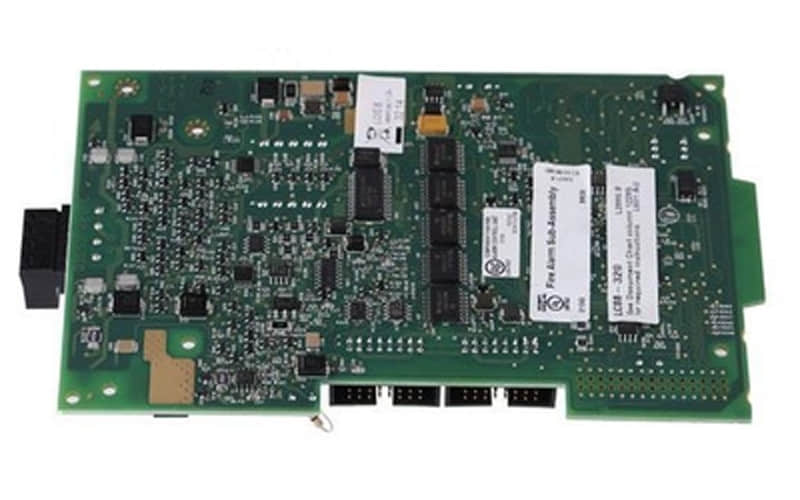
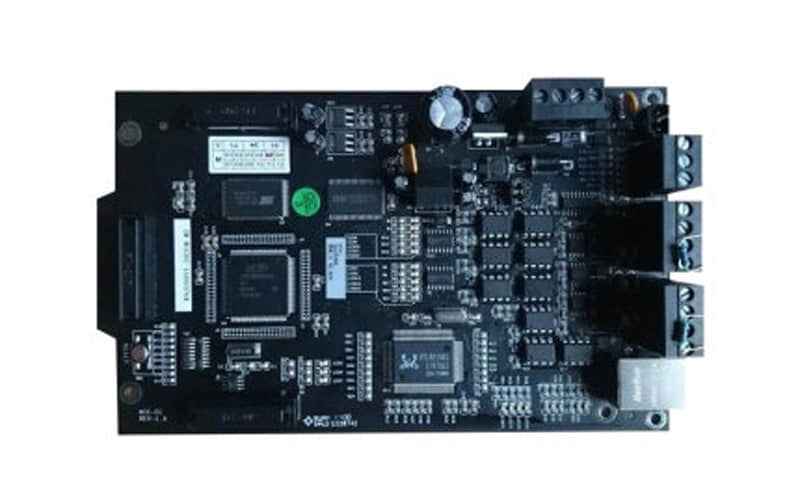
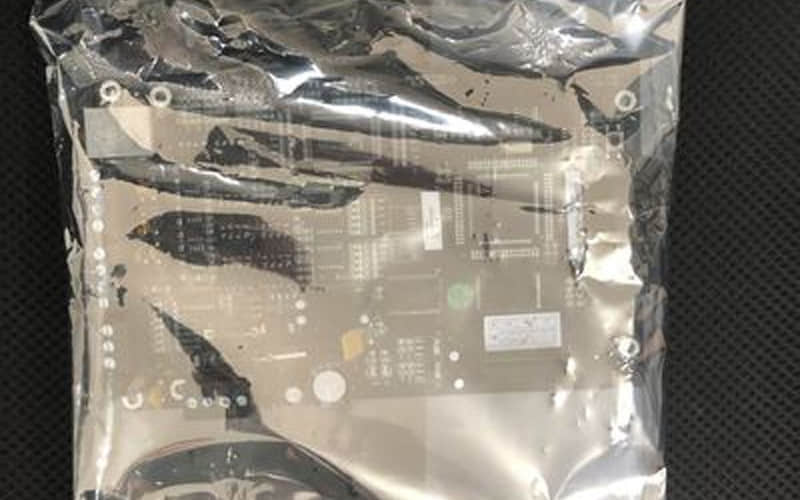
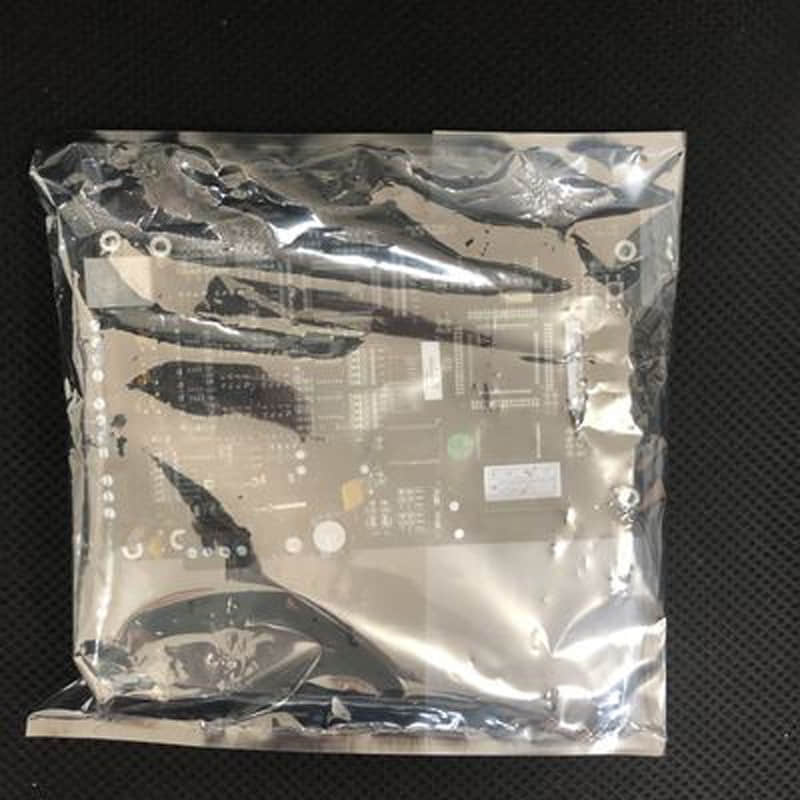
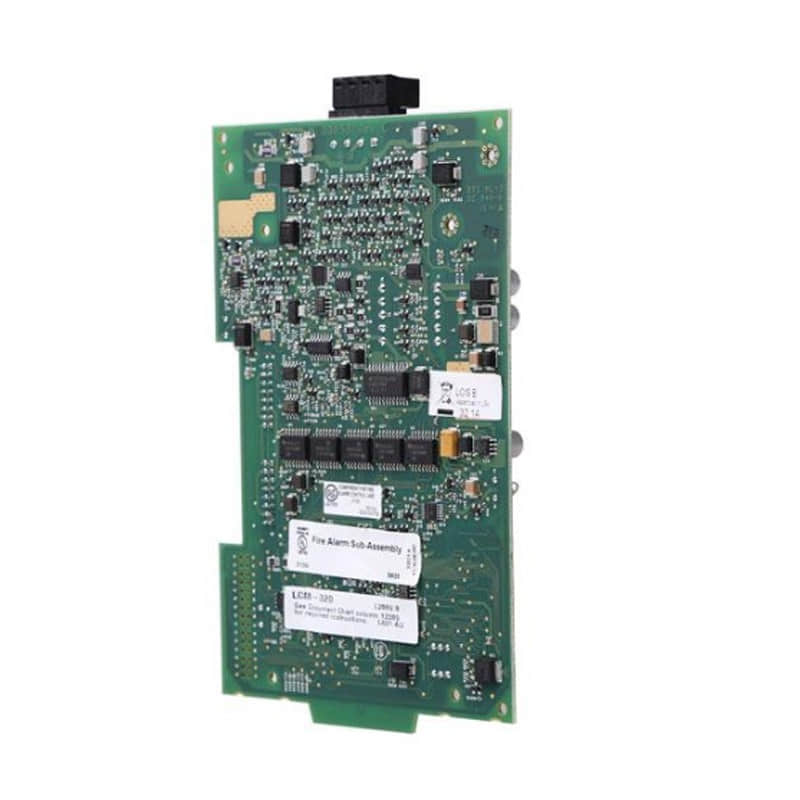
NOTIFIER N6000 Series Dual Bonding Line Network Card NIC-EC Technical & Selection Guide
Published: July 2026
Published by: Xiamen ZYM Automation & Control Co., Ltd. (Xiamen Zhenyoumei Display Products Co., Ltd.)
Author: Technical Engineering Team
Table of Contents
General Description
Technical Specifications
Detailed Features
Applications
Installation Guide
Frequently Asked Questions (FAQ)
Related Part Numbers
Sourcing Authentic Industrial & Safety Hardware
1. General Description
The NOTIFIER N6000 Series NIC-EC is engineered to meet the demanding requirements of modern networking environments, particularly in safety-critical applications. Its dual bonding capability enhances overall network throughput and provides failover support, ensuring continuous operation even during network disruptions. This makes it an invaluable component in systems where reliability is non-negotiable.
2. Technical Specifications of NOTIFIER N6000 Series NIC-EC
Model: NOTIFIER N6000 Series NIC-EC
Interface Type: PCIe
Supported Speeds: 1G, 10G
Bonding Type: Dual bonding
Protocols Supported: TCP/IP, UDP, VLAN tagging
Power Consumption: Low power design for energy efficiency
Operating Temperature: -40°C to +70°C
3. Detailed Features of NOTIFIER N6000 Series NIC-EC
Dual Bonding Technology: Combines multiple Ethernet connections to improve bandwidth and provide redundancy.
Network Management Support: Features SNMP for effectively monitoring and managing network performance.
High Throughput Capability: Designed to handle high data volumes with minimal latency.
Robust Security Measures: Incorporates encryption protocols to secure data transmission.
Compatibility: Compatible with various operating systems, including Windows, Linux, and UNIX.
4. Applications of NOTIFIER N6000 Series NIC-EC
The NOTIFIER N6000 Series NIC-EC is ideal for various applications:
A. Fire Alarm Systems: Ensures reliable communication between control panels and devices, which is critical for safety.
B. Telecommunications Networks: Supports high-speed data transfer essential for telecom operations.
C. Enterprise Networking: Provides robust connectivity solutions for businesses requiring dependable internet access.
D. Industrial Automation: Facilitates real-time data exchange in manufacturing and process control environments.
5. Installation Guide
To install the NOTIFIER N6000 Series NIC-EC, follow these detailed steps:
Preparation:
Ensure the server or device is powered off and disconnected from the electrical outlet.
Gather necessary tools (screwdriver) and safety equipment (anti-static wrist strap).
Accessing the System:
Open the chassis following the manufacturer's instructions.
Identify an available PCIe slot on the motherboard.
Inserting the Network Card:
Align the NIC with the PCIe slot carefully.
Press down firmly until the card is fully seated in the slot.
Secure the card using screws if required.
Connecting Cables:
Attach network cables to the appropriate ports on the NIC.
Powering Up:
Close the chassis securely and reconnect power to the system.
Turn on the device.
Driver Installation:
Install drivers from the NOTIFIER website or included media.
Configure network settings according to your organizational requirements.
6. Frequently Asked Questions (FAQ)
Q1: What operating systems are supported by the Notifier N6000 NIC-EC?
A: It supports various major operating systems including Windows, Linux, and UNIX.
Q2: Can the N6000 NIC-EC handle failover redundancy for fire alarm networks?
A: Yes, its dual bonding technology combines multiple Ethernet connections to provide immediate failover support, high throughput, and continuous operation during network disruptions.
7. Related Part Numbers
N6000-DUALBOND-A
N6000-SINGLEBOND-B
N6000-MULTIUSE-C
8. Sourcing Authentic Industrial & Safety Hardware
Deploying unverified or counterfeit safety components introduces critical risks of system downtime and operational failure. At Xiamen ZYM Automation & Control Co., Ltd. (A Division of Xiamen Zhenyoumei Display Products Co., Ltd.), we specialize in supplying 100% genuine industrial automation, fire safety, and networking hardware with strict quality traceability.
Need Notifier N6000 Series NIC-EC or System Spare Parts?
Request Engineering Support: Contact our sales and engineering team directly via our
Contact Us Page Explore Related Gear: Discover complementary safety system components, such as the Johnson NBG-1002F, on our main Blog Portal.
Previous: Johnson NBG-1002F
