
Previous
Next
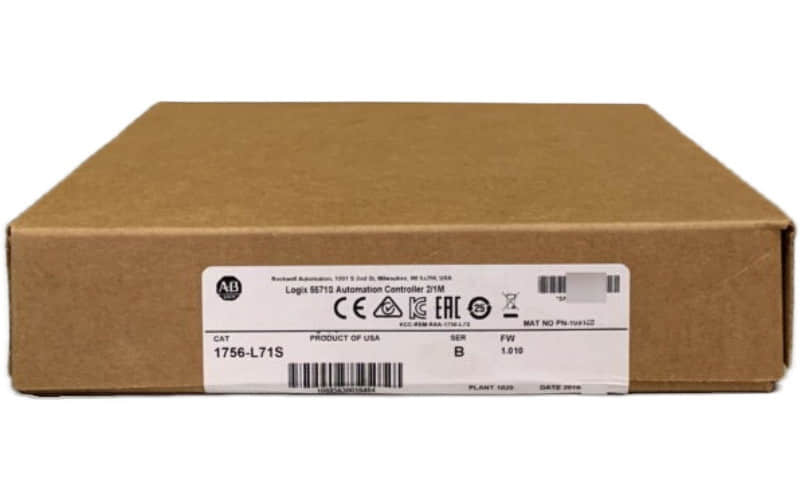
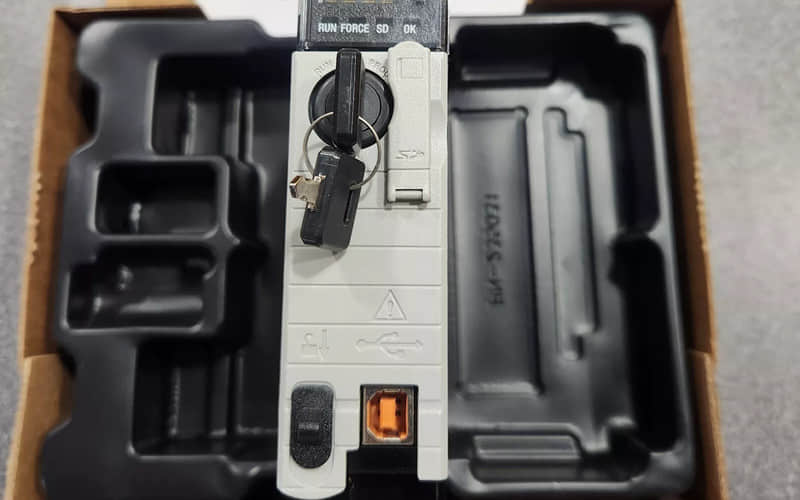
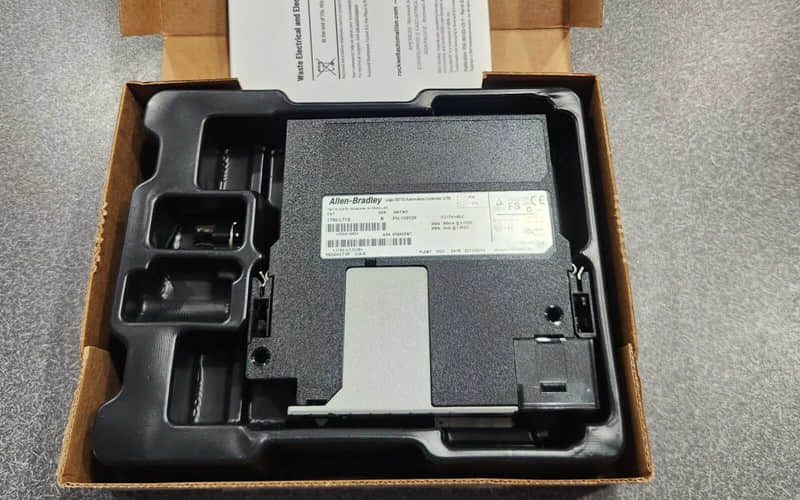
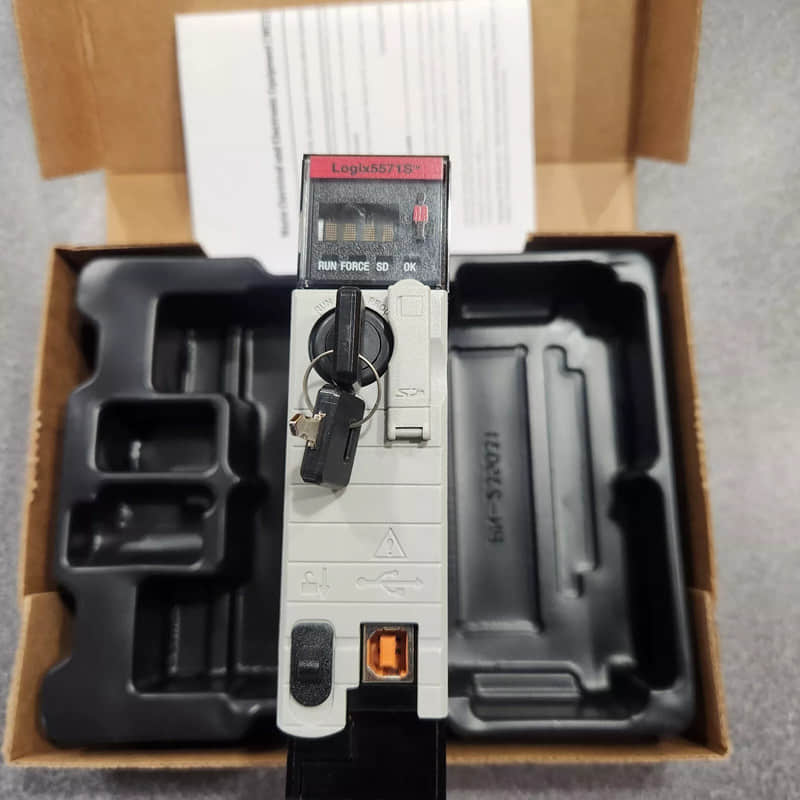
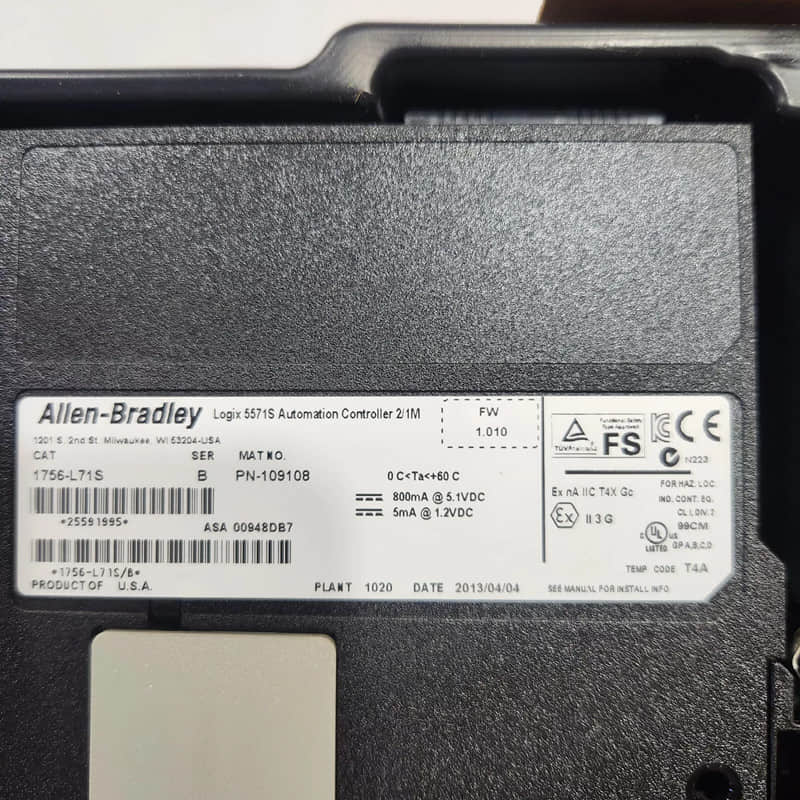
Allen Bradley 1756-L71S GuardLogix Controller
General Description
The 1756-L71S is part of the GuardLogix family, which combines traditional control capabilities with advanced safety features. It is suitable for applications where safety is critical, such as manufacturing processes involving hazardous machinery or environments.
Technical Specifications of 1756-L71S
l User Memory: 2 MB
l Safety Memory: 1 MB
l I/O Memory: 0.98 MB
l Total I/O Capacity: Up to 128,000 points
l Non-volatile Memory: 1 GB (1784-SD1)
l Current Draw @ 5.1V DC: 800 mA
l Power Dissipation: 6.2 W
l Isolation Voltage: Type tested at 980V AC for 60 seconds
l Weight: Approx. 0.25 kg (0.55 lb)
l Dimensions (H x W x D):
l Height: 140 mm (5.51 in)
l Width: 46 mm (1.81 in)
l Depth: 90 mm (3.54 in)
Detailed Features
1. Integrated Safety Functions: Combines safety and standard control into a single platform, reducing the need for separate safety controllers.
2. Robust Communication Options: Supports EtherNet/IP, ControlNet, and DeviceNet for seamless integration into existing networks.
3. High I/O Capacity: Can manage up to 128,000 I/O points, making it suitable for large and complex systems.
4. Flexible Programming Options: Compatible with multiple programming languages, including Ladder Logic and Structured Text.
Applications of 1756-L71S
The Allen Bradley 1756-L71S GuardLogix Controller is ideal for various applications, including:
1) Manufacturing Automation: Controls machinery and processes while ensuring operator safety through integrated safety functions.
2) Process Control Systems: Monitors and controls critical parameters in food and beverage, pharmaceuticals, and chemicals industries.
3) Safety-Critical Applications: Suitable for environments where compliance with safety standards (e.g., SIL CL3, PL(e)) is essential.
4) Robotics and Motion Control: Provides precise control over robotic systems and motion applications while maintaining safety protocols.
Installation of 1756-L71S
To install the module:
l Ensure that the power supply is turned off before installation.
l Insert the controller into an available slot in the ControlLogix chassis until it clicks securely into place.
l Connect the field wiring according to the installation guide.
l Power on the system and verify functionality through diagnostic indicators.
Related Part Numbers
Power Supply Options:
l 1756-PA50, 1756-PA72, 1756-PB50, 1756-PB72
Previous: Allen Bradley 1756-L65 B ControlLogix Processor
