
Previous
Next
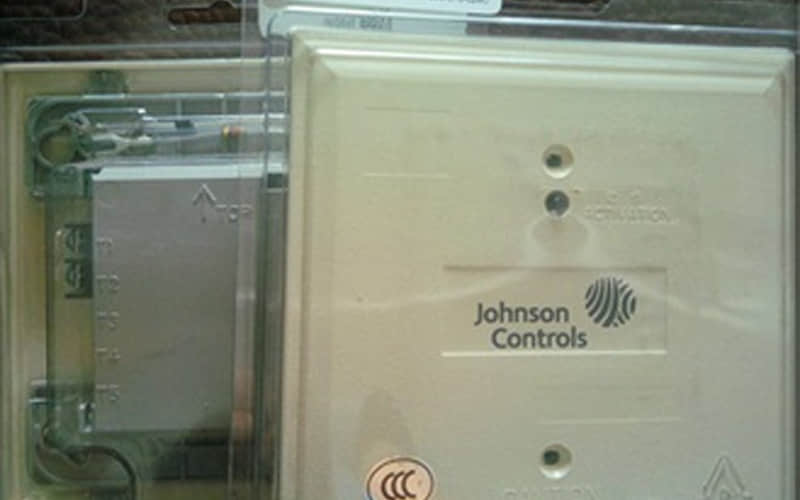
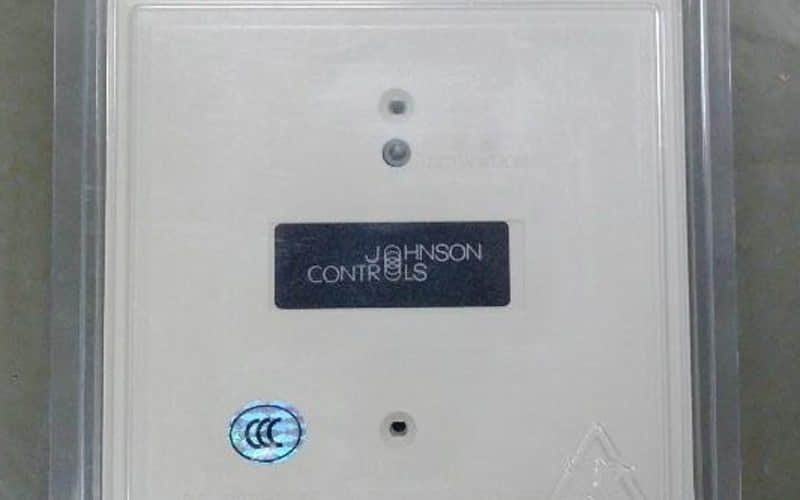
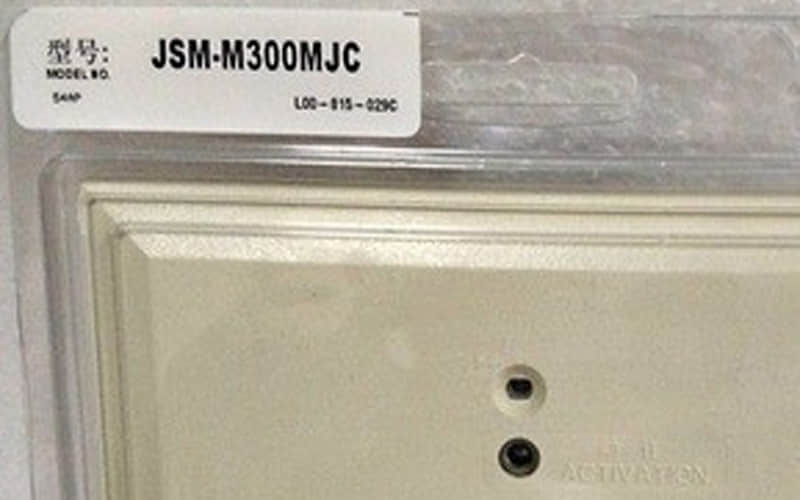
Johnson Controls JSM-M300CJC Control Output Module
General Description
The JSM-M300CJC is part of Johnson Controls' advanced building management solutions aimed at optimizing energy efficiency and operational effectiveness. This control output module enables precise control over HVAC systems, lighting, and other building functions, making it a vital tool for facility managers seeking to improve overall system performance.
Technical Specifications
l Model: JSM-M300CJC
l Power Supply: 24V AC/DC
l Output Types: Relay outputs (configurable)
l Communication Protocols: BACnet/IP, Modbus TCP/IP
l Dimensions: 10 x 8 x 2 inches
l Operating Temperature Range: -20°C to 50°C (-4°F to 122°F)
l Weight: 1.5 lbs
Detailed Features
A. Multi-Protocol Support: The module supports BACnet and Modbus protocols, allowing easy integration with various devices and systems.
B. Configurable Outputs: Offers multiple relay outputs that can be configured for different functions, providing versatility in application.
C. Data Logging Capabilities: Tracks operational data for analysis, helping facility managers make informed decisions.
D. User Access Levels: Provides customizable user permissions to enhance security and management control.
Applications of Johnson Controls JSM-M300CJC
The JSM-M300CJC Control Output Module is suitable for a variety of applications:
l Commercial Buildings: Enhances HVAC performance and energy management in office spaces.
l Industrial Facilities: Monitors and controls environmental conditions critical for manufacturing processes.
l Educational Institutions: Manages climate control in classrooms and common areas effectively.
l Healthcare Facilities: Ensures optimal conditions in patient care environments through precise control.
Installation of Johnson Controls JSM-M300CJC
l Preparation:
Gather necessary tools such as screwdrivers, wire strippers, and mounting hardware.
Review the installation manual provided by Johnson Controls to understand wiring diagrams and specifications.
l Mounting:
Securely mount the JSM-M300CJC on a wall or panel using appropriate hardware.
Ensure it is located in a position that allows for optimal sensor placement.
l Wiring:
Connect the power supply to the designated terminals on the module.
Wire communication lines according to the selected protocol (BACnet or Modbus).
l Configuration:
Use the onboard interface or compatible software to configure settings based on your specific application needs.
Set up output points according to connected devices.
l Final Checks:
Verify all connections and perform a system check to ensure proper functionality before full deployment.
Related Part Numbers of Johnson Controls JSM-M300CJC
l JSM-M200CJC
l JSM-M400CJC
l JSM-M500CJC
Previous: J-SAP-M-M500K-8J
