


Previous
Next
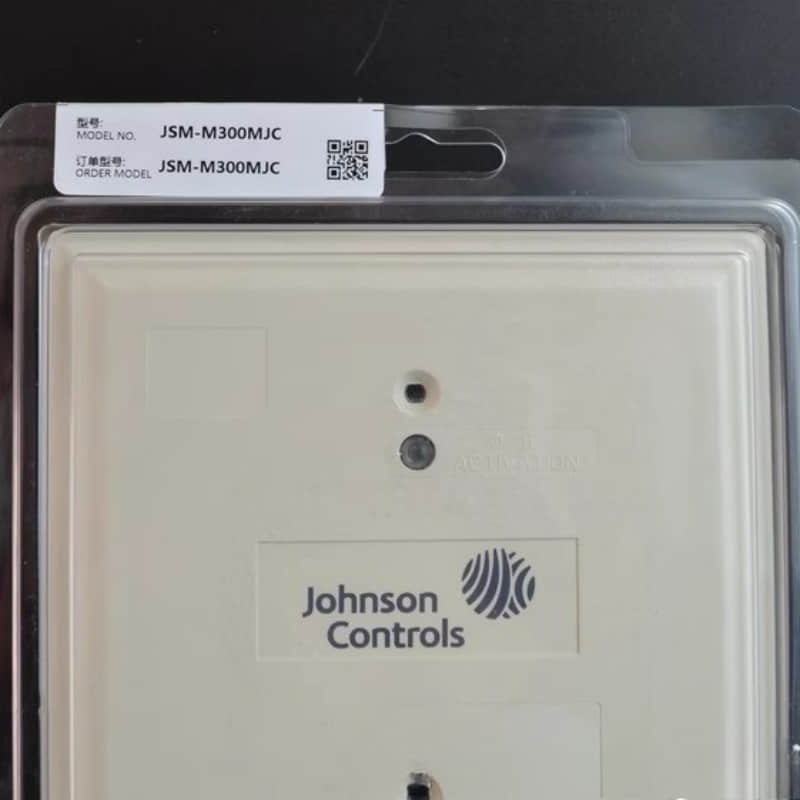
Johnson Controls JSM-M300MJC Input Module
General Description
The JSM-M300MJC Input Module is part of Johnson Controls' advanced line of input/output modules, critical components in building management systems. It is designed to facilitate the integration of various sensors and devices, enabling comprehensive monitoring and control of environmental conditions.
Technical Specifications of JSM-M300MJC
l Power Supply: 15 VDC, 100 mA total current
l Input Types: Universal Inputs (0–10 VDC, 4–20 mA, 0–600k ohms), Binary Inputs (Dry Contact)
l Output Types: Configurable Outputs (0–10 VDC or 24 VAC @500mA)
l Communication Protocols: BACnet MS/TP
l Processor: RX64M Renesas® 32-Bit microcontroller
l Memory: 16 MB flash memory, 8 MB SDRAM
l Ambient Conditions: Operating temperature from 0°C to 50°C; Storage temperature from -40°C to 80°C
Detailed Features of JSM-M300MJC
l Universal Inputs: Can handle various input signals, allowing for extensive application possibilities.
l Configurable Outputs: Users can define output types according to their needs, enhancing system adaptability.
l Communication Capabilities: Supports BACnet MS/TP protocol for easy integration into existing networks.
l Compact Design: Mountable on standard DIN rails, optimizing space within control panels.
Applications
The JSM-M300MJC Input Module is suitable for a wide range of applications:
1. HVAC Systems: Monitoring temperature and humidity sensors to optimize climate control.
2. Lighting Control: Integrating light sensors for automated lighting adjustments based on occupancy or daylight levels.
3. Security Systems: Connecting various security sensors to enhance building safety.
4. Industrial Automation: Facilitating data collection from machinery for performance monitoring and predictive maintenance.
Installation
l Preparation:
Ensure all power sources are disconnected before installation.
Gather necessary tools, including screwdrivers and wire strippers.
l Mounting:
The module can be mounted horizontally on a DIN rail or directly onto a flat surface using the provided mounting clips.
Ensure there is adequate space around the module for ventilation and wiring.
l Wiring:
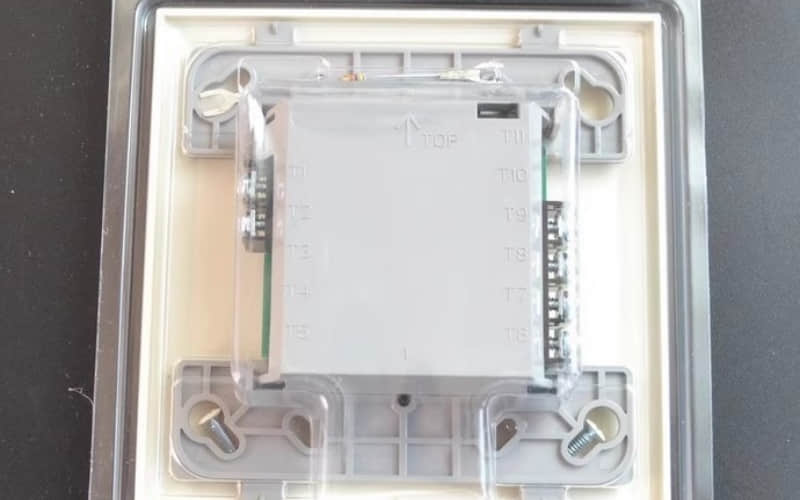
Use pluggable screw terminal blocks to connect input and output devices.
Follow the wiring diagram provided in the installation manual to ensure correct connections.
l Power Up:
After all connections are made, reconnect the power supply.
Verify that the module powers on correctly and check for any error indicators.
l Configuration:
Utilize the BACnet MS/TP protocol for configuration via a compatible network management tool.
Related Part Numbers
l M4-XPM04060-0: 10-point Input/Output Expansion Module
l M4-XPM09090-0: 18-point Input/Output Expansion Module
Previous: JKM-M300CJC
