
Previous
Next
Allen-Bradley 1734-232ASC Interface Module
General Description
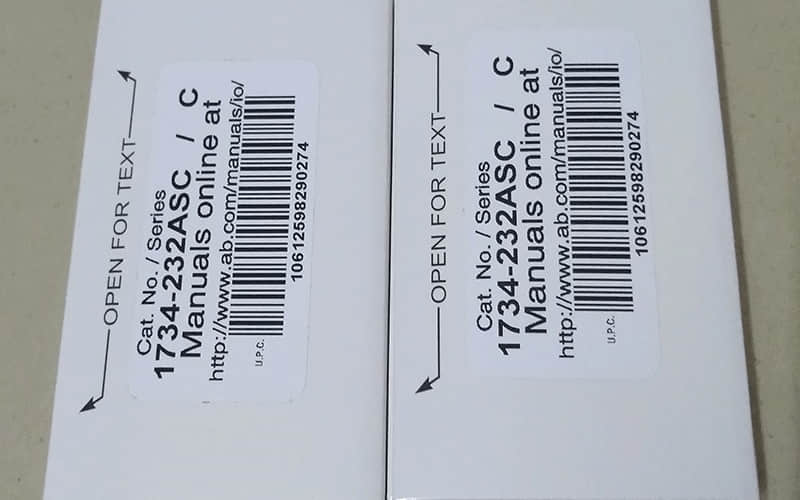
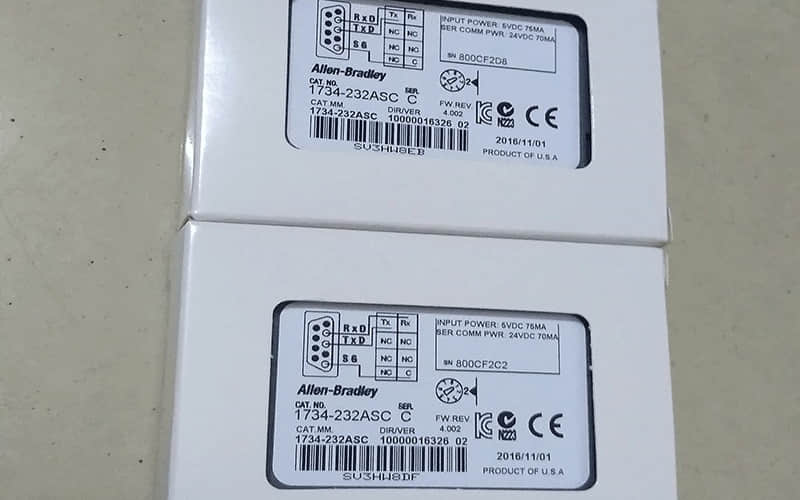
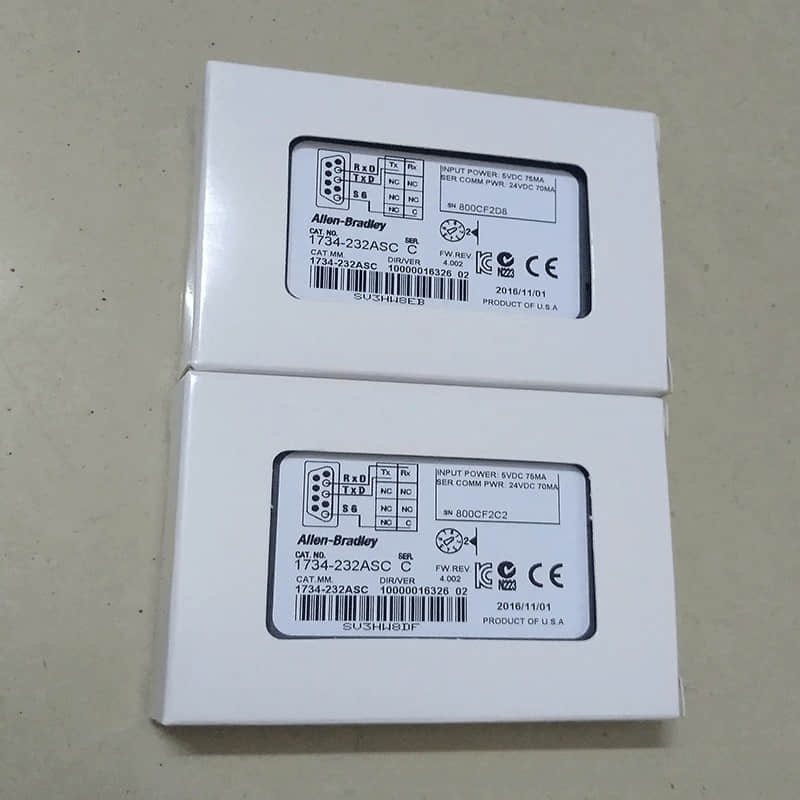
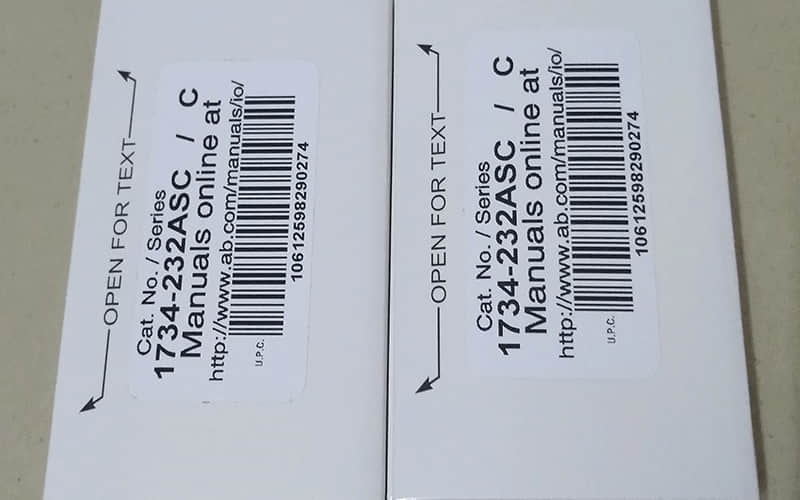
The Allen-Bradley 1734-232ASC Interface Module is a special communication module. It is made for the POINT I/O system. This module facilitates RS-232 communication, allowing for effective integration with various ASCII devices such as barcode scanners and printers. Its compact design and versatile functionality make it essential for automating data collection and processing in industrial settings.
Technical Specifications of 1734-232ASC Interface Module
l Manufacturer: Rockwell Automation
l Model Number: 1734-232ASC
l Module Type: POINT I/O ASCII Communication Module
l Supply Voltage: 24V DC nominal
l Voltage Range: 10-28.8V DC
l Power Consumption: 15 mA @ 24V DC
l Backplane Current Draw: 75 mA max @ 5V DC
l Operating Temperature: -20 to 55 °C (-4 to 131 °F)
l Storage Temperature: -40 to 85 °C (-40 to 185 °F)
l Dimensions: 56 x 12 x 75.5 mm (2.2 x 0.47 x 2.97 in.)
l Communication Speeds: Supports speeds of 1200, 2400, 4800, 9600, 19.2k, and 38.4k bps
l Serial Character Framing: Options include configurations like 7N2, 8N1, and others
Indicators: Includes module status and network status indicators
Detailed Features of the 1734-232ASC Interface Module
l Full-Duplex Communication Port: Supports one full-duplex port for efficient data transfer.
l Multiple Communication Speeds: Offers flexibility with various baud rates to match device requirements.
l LED Status Indicators: Provide visual feedback on module status and network activity for easy diagnostics.
l Compact Design: A space-efficient module that fits seamlessly into existing POINT I/O systems.
l Wide Voltage Range: Operates efficiently within a broad voltage range, enhancing compatibility with various power supplies.
Applications of 1734-232ASC Interface Module
The Allen-Bradley 1734-232ASC Interface Module is ideal for numerous industrial applications, including:
A. Manufacturing Automation: Connects barcode scanners and label printers for streamlined inventory management.
B. Data Acquisition Systems: Facilitate real-time communication between sensors and controllers in data monitoring setups.
C. Quality Control Systems: Integrates with devices that perform automated quality checks during production processes.
D. Logistics Management: Enhances tracking and sorting processes in warehouse environments by connecting to scanning devices.
Installation
1. Preparation:
Check all power sources, and ensure all are off before the job begins
Ensure all the necessary tools are available, such as drivers and strippers.
2. Mounting the Module:
Position the module above the wiring base (e.g., 1734-TB or -TBS).
Slide the module down into the mounting base until it clicks securely into place.
3. Setting Up Wiring Connections:
A shielded cable is used to connect the RS-232 device to the terminal block on the module.
Ensure proper shield grounding at one end only to prevent ground loops.
4. Configuring Network Addressing:
If applicable, set the network address using the thumbwheel switches on the module.
5. Power Supply Connection:
Connect a suitable power supply (24V DC) to the module’s power terminals.
6. Testing Configuration:
Power on the system and check the LED indicators for regular operation.
Verify communication by testing data transfer between connected devices.
Related Part Numbers
l 1734-TB (Terminal Base)
l 1734-TBS (Terminal Base with Screw)
l 1734-RTB (Removable Terminal Block)
For more items you are interested in, please refer to the following:
Allen-Bradley 1747-M13 EEPROM Module
Allen-Bradley 1770-XE Connector Kit
Allen-Bradley 1734-IE8C Analogue Input Module
Back to the top: Allen Bradley PLC
