
Previous
Next
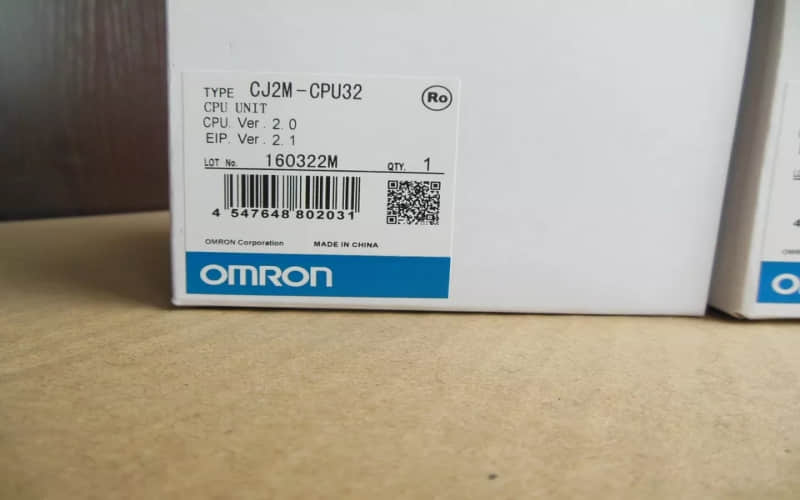
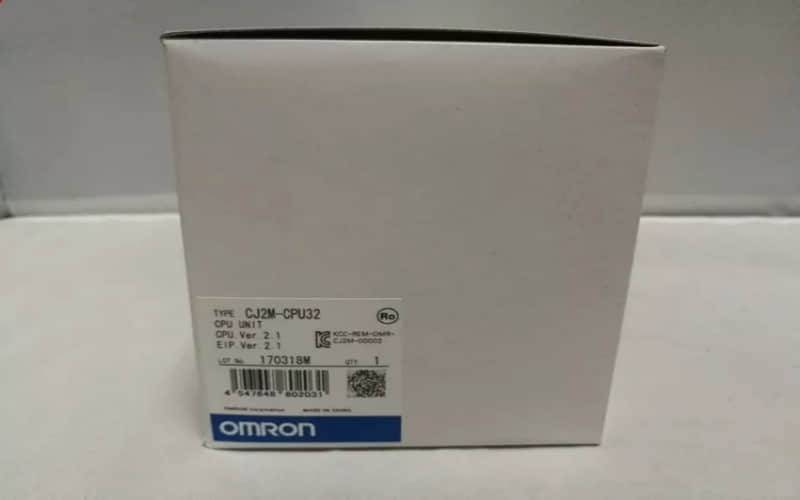
Omron CJ2M-CPU32 Central Processing Unit

General Description
The Omron CJ2M-CPU32 is part of the CJ2 series of programmable logic controllers (PLCs), known for their flexibility, modularity, and high performance. This unit is particularly suited for applications in packaging, material handling, and general machine automation. Its advanced features enable efficient control and monitoring of various industrial processes.
Omron CJ2M-CPU32 Technical Specifications
Specification Details
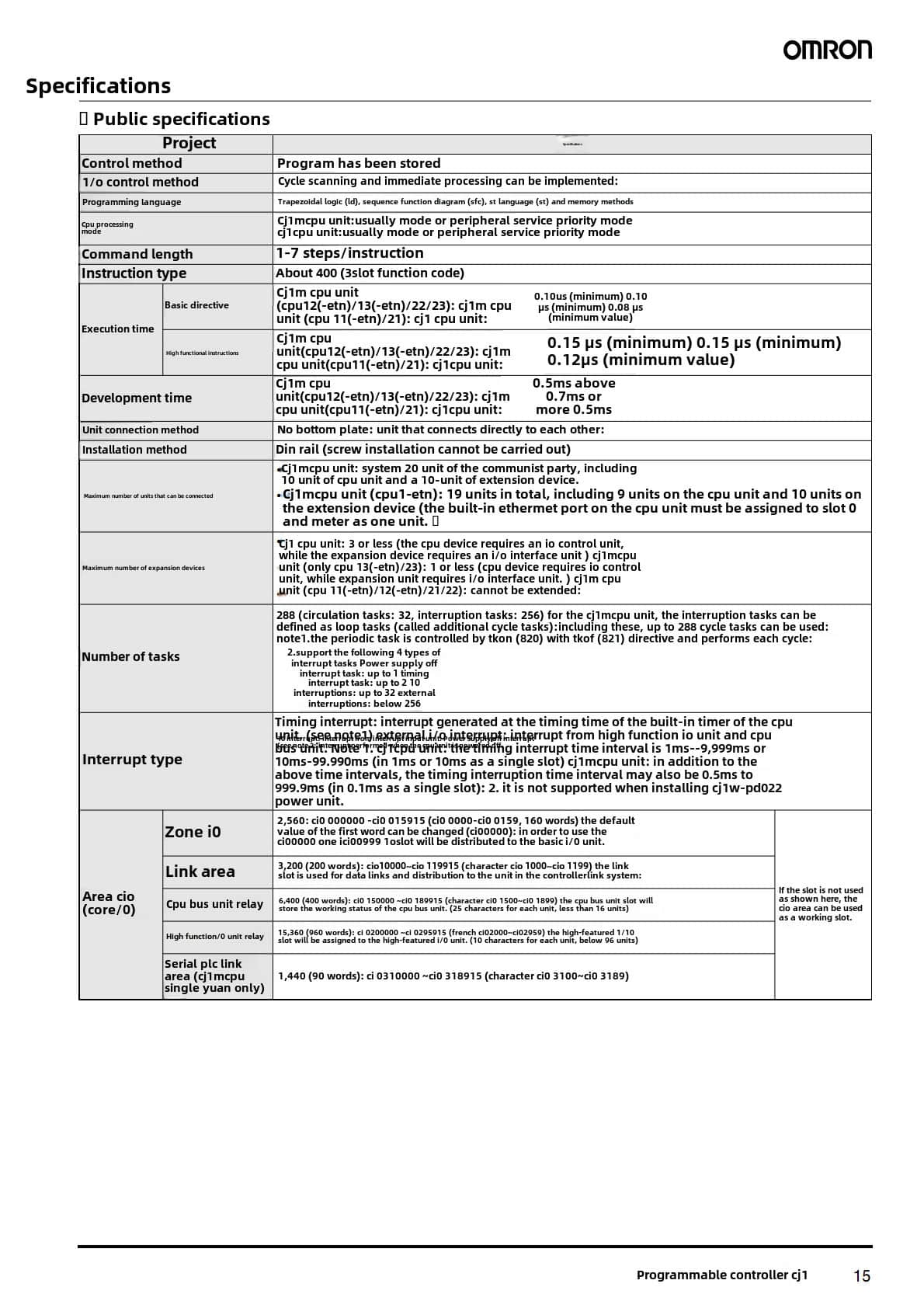
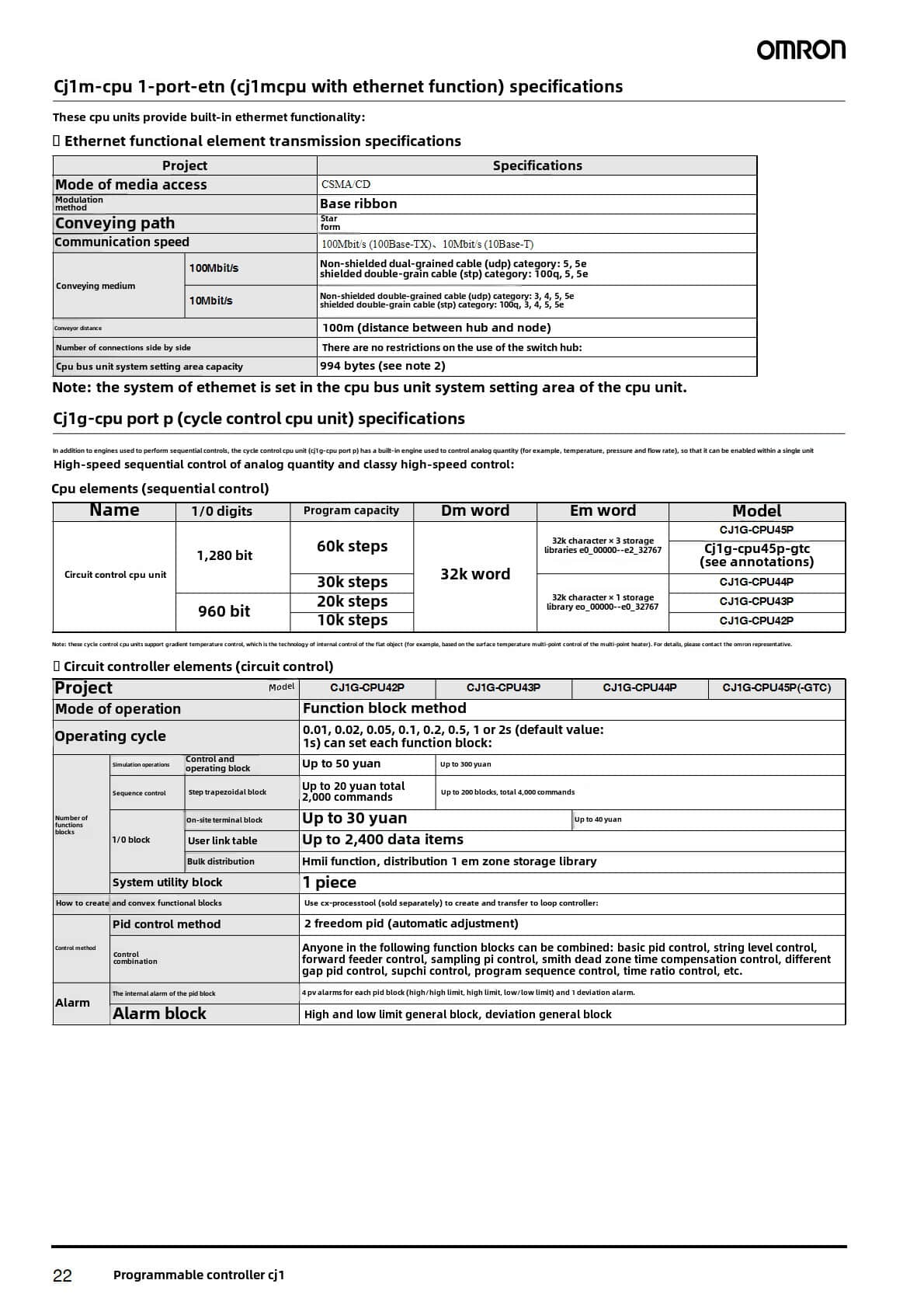
Program Capacity 10K steps
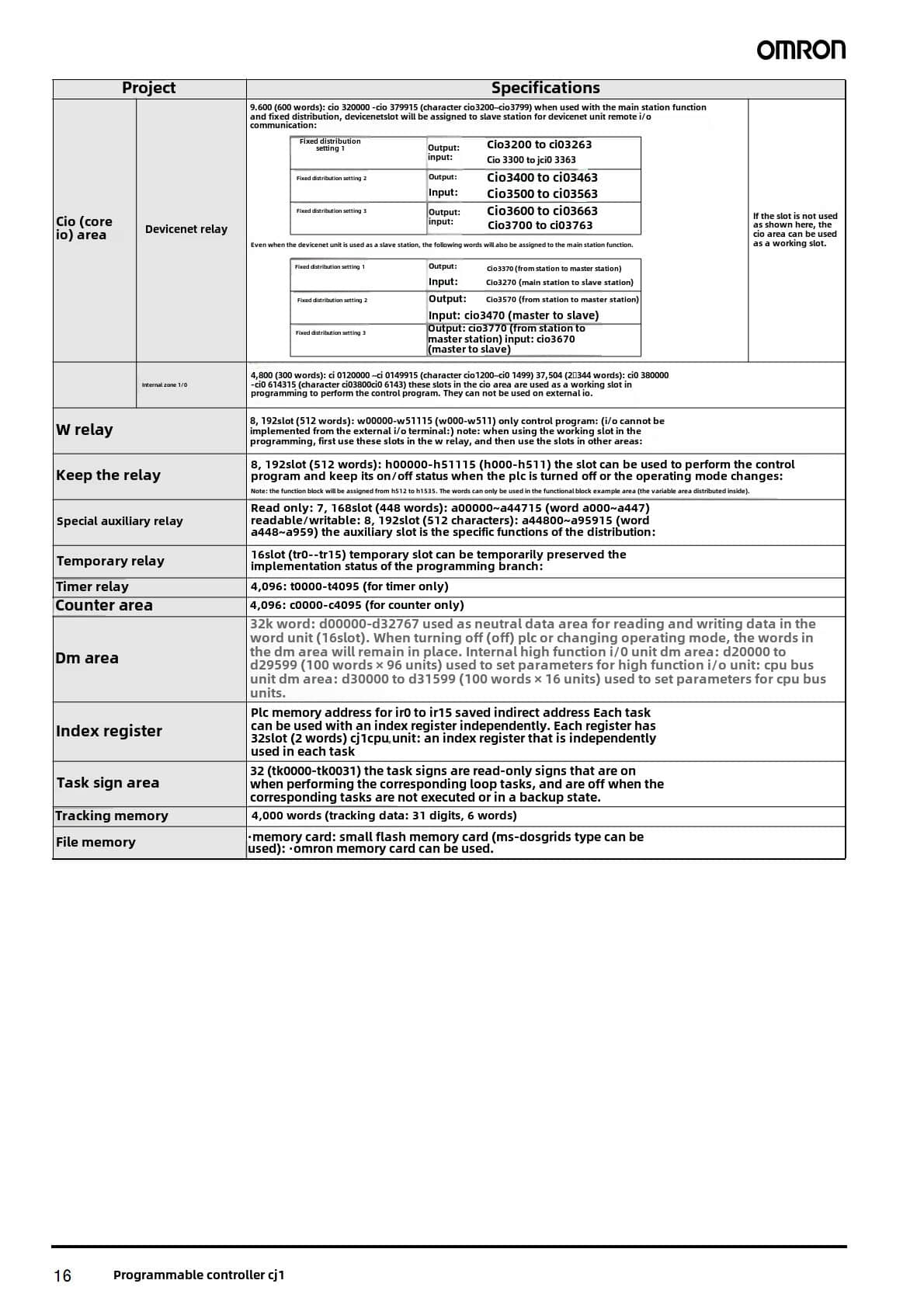
Data Memory Capacity 32K words
Logic Execution Time 0.04 µs
Max Number of Expansion Units 3
Max Number of Local I/O Points 2560
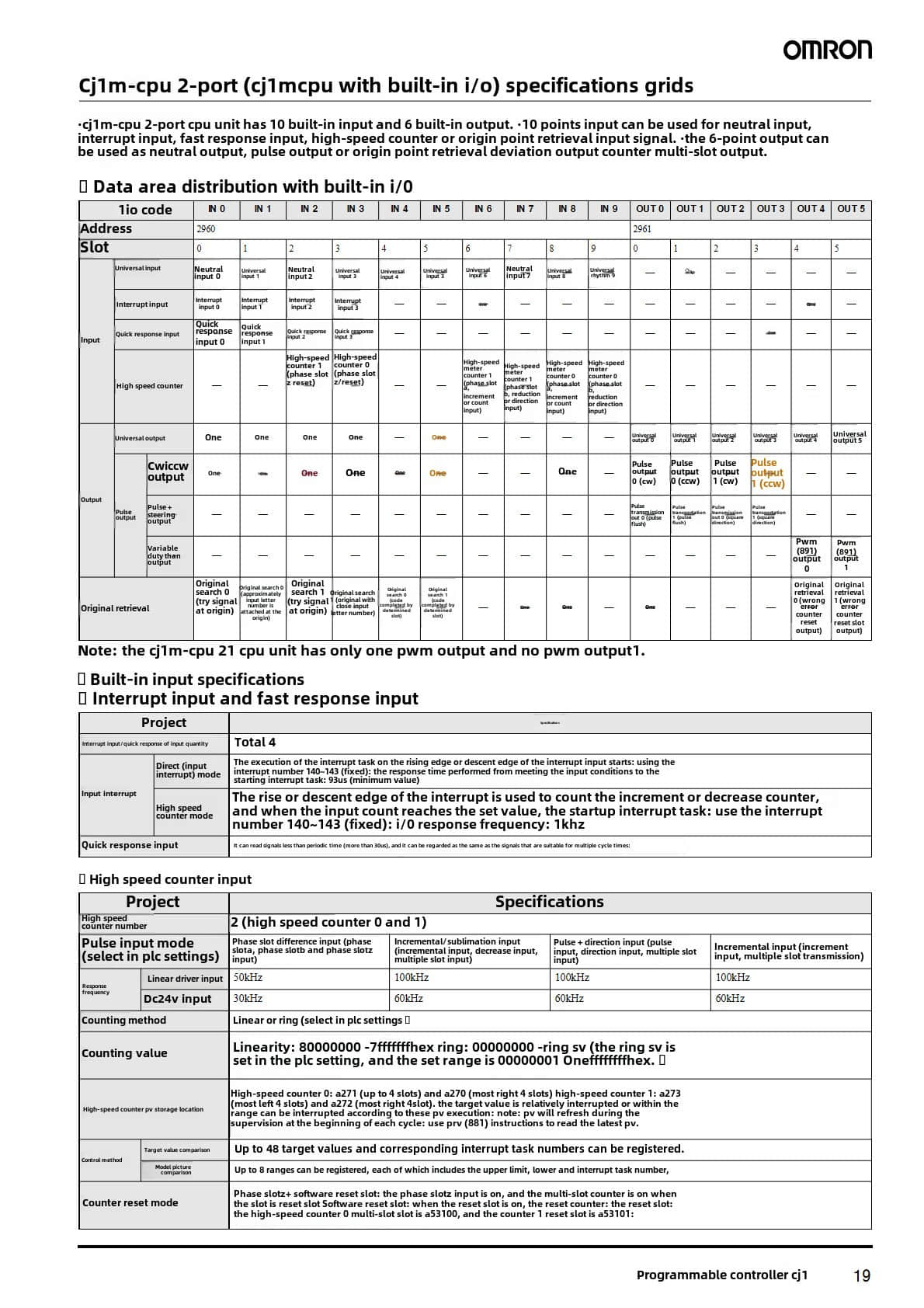
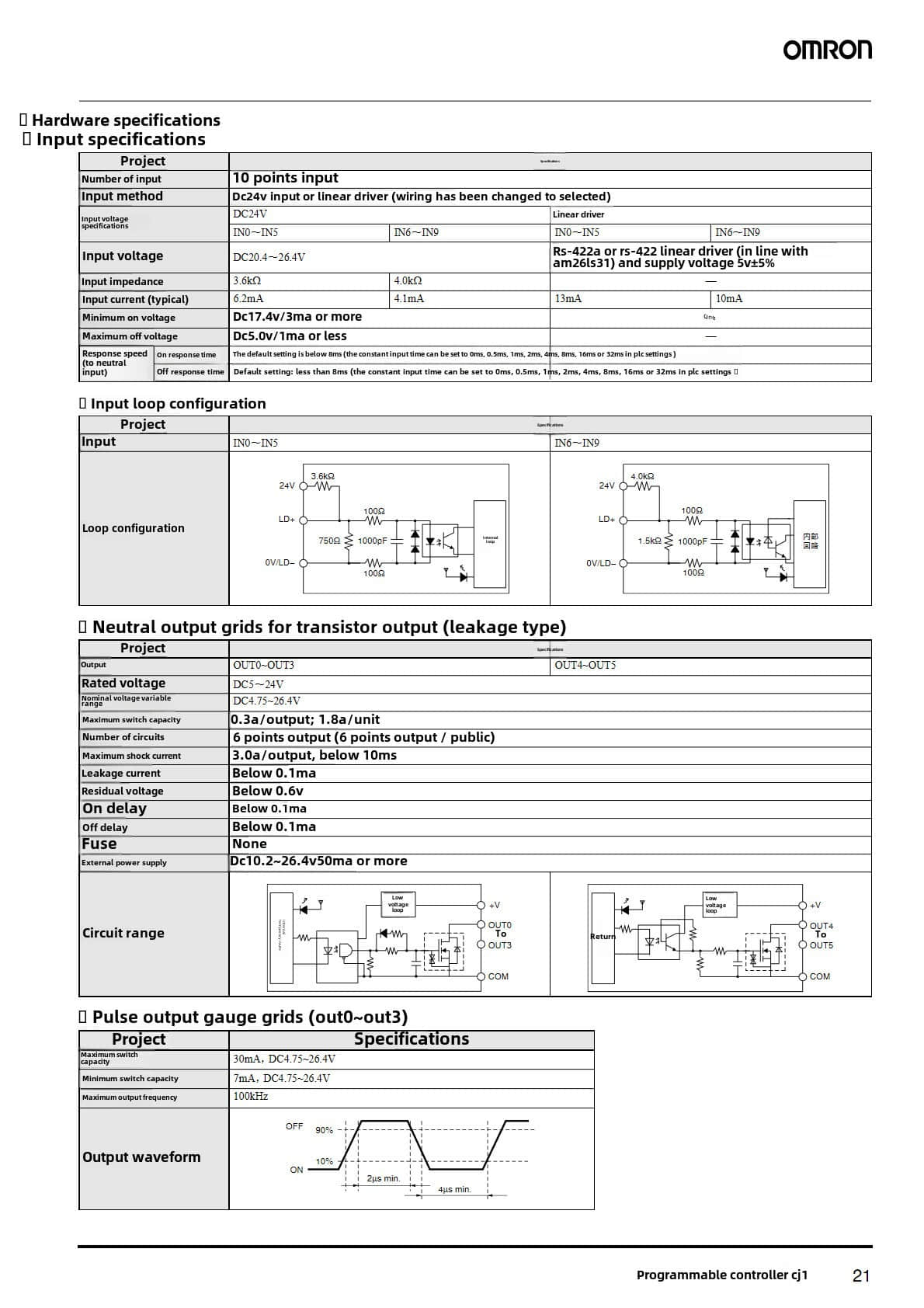
Built-in Digital I/Os 0
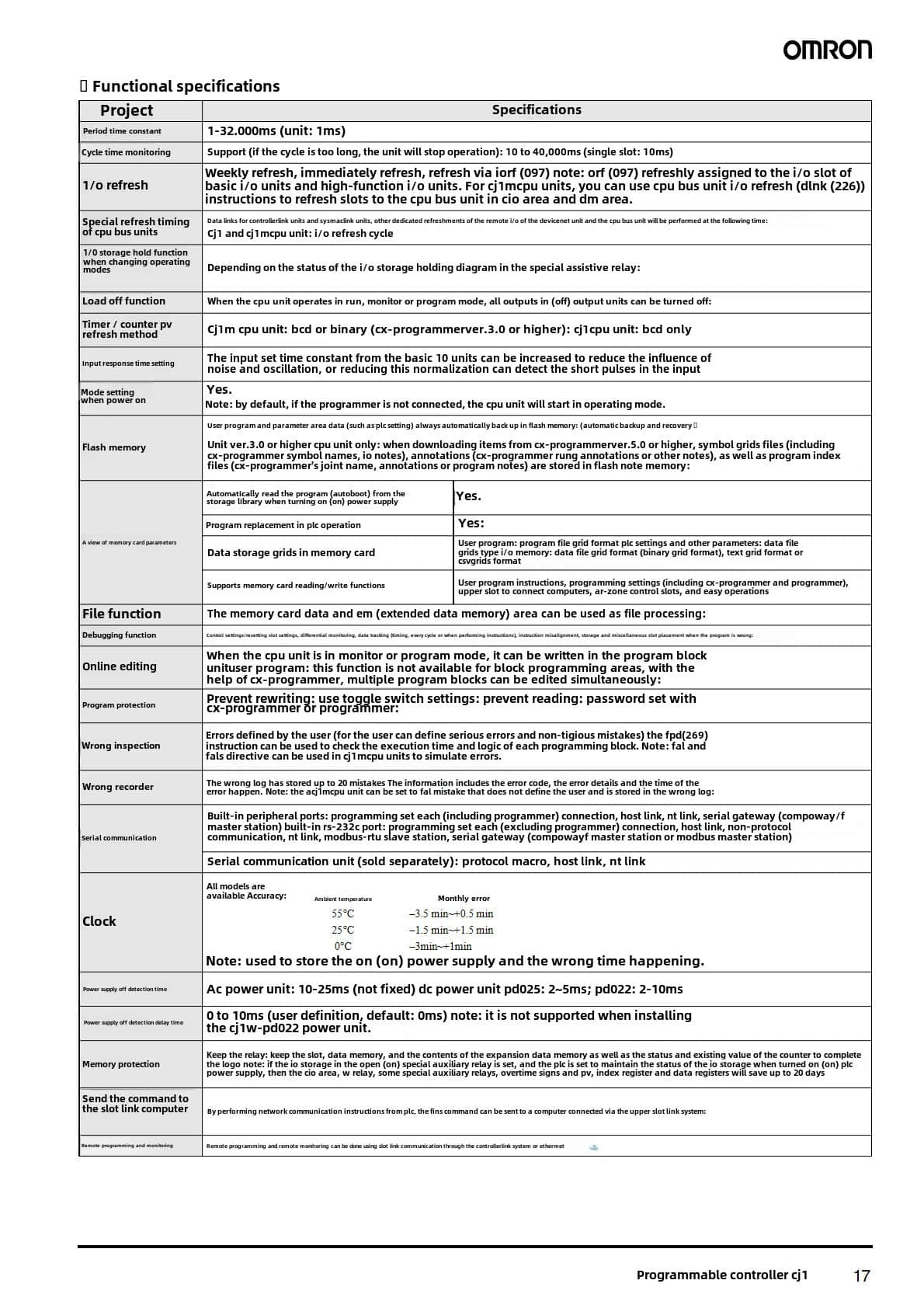
Communication Ports EtherNet/IP, USB
Dimensions (H x W x D) 90 mm x 62 mm x 84.5 mm
Weight 190 g
Detailed Features
- EtherNet/IP Port: Facilitates high-speed communication between devices in an industrial network.
- USB Programming Port: Simplifies programming and data transfer.
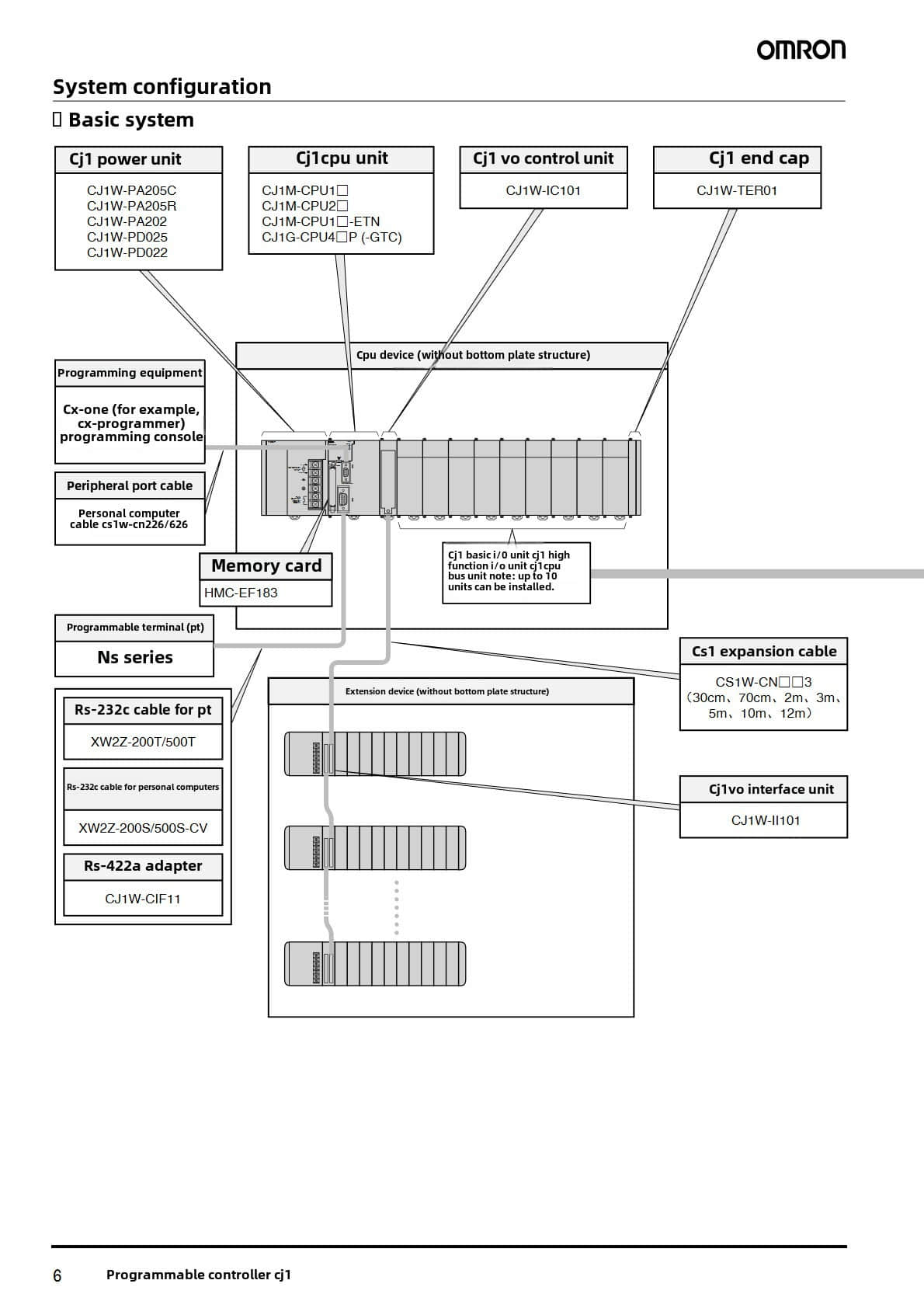
- Expansion Capability: Supports up to three additional expansion racks for increased I/O capacity.
- Robust Performance: Designed to execute complex logic tasks quickly, enhancing overall system efficiency.
Omron CJ2M-CPU32 Applications
The CJ2M-CPU32 is widely used in:
- Packaging Machines: Automating the packaging process for various products.
- Material Handling Systems: Controlling conveyors and sorting systems.
- Manufacturing Automation: Streamlining production lines with precise control.
- Building Automation: Managing HVAC systems and lighting controls.
Installation Process
1. Preparation:
- Ensure all components are available (CJ2M-CPU32 unit, mounting hardware).
- Gather necessary tools (screwdriver, wiring tools).
2. Mounting the Unit:
- Securely mount the CPU unit on a DIN rail or panel per the specifications.
- Ensure proper ventilation around the unit.
3. Wiring Connections:
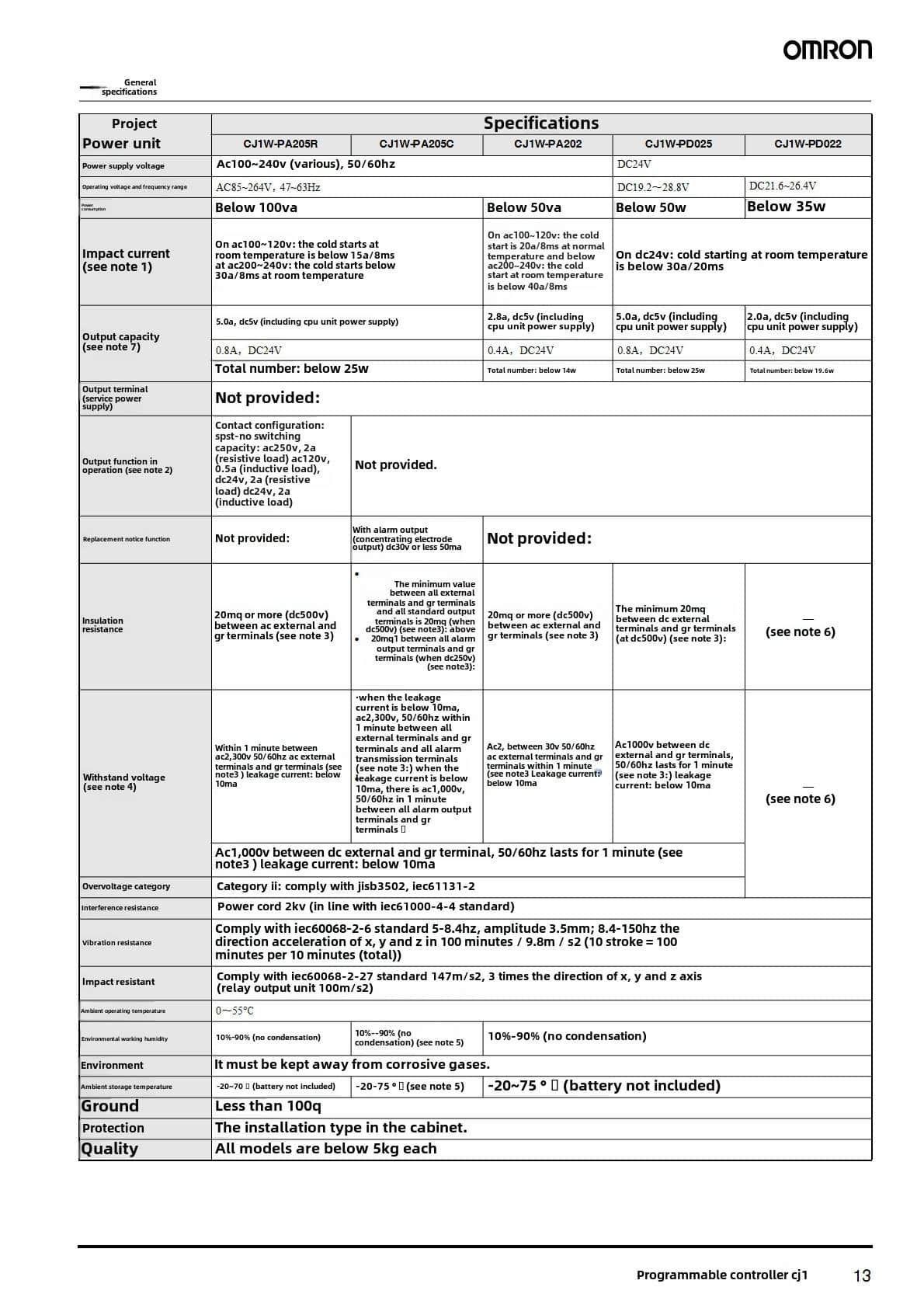
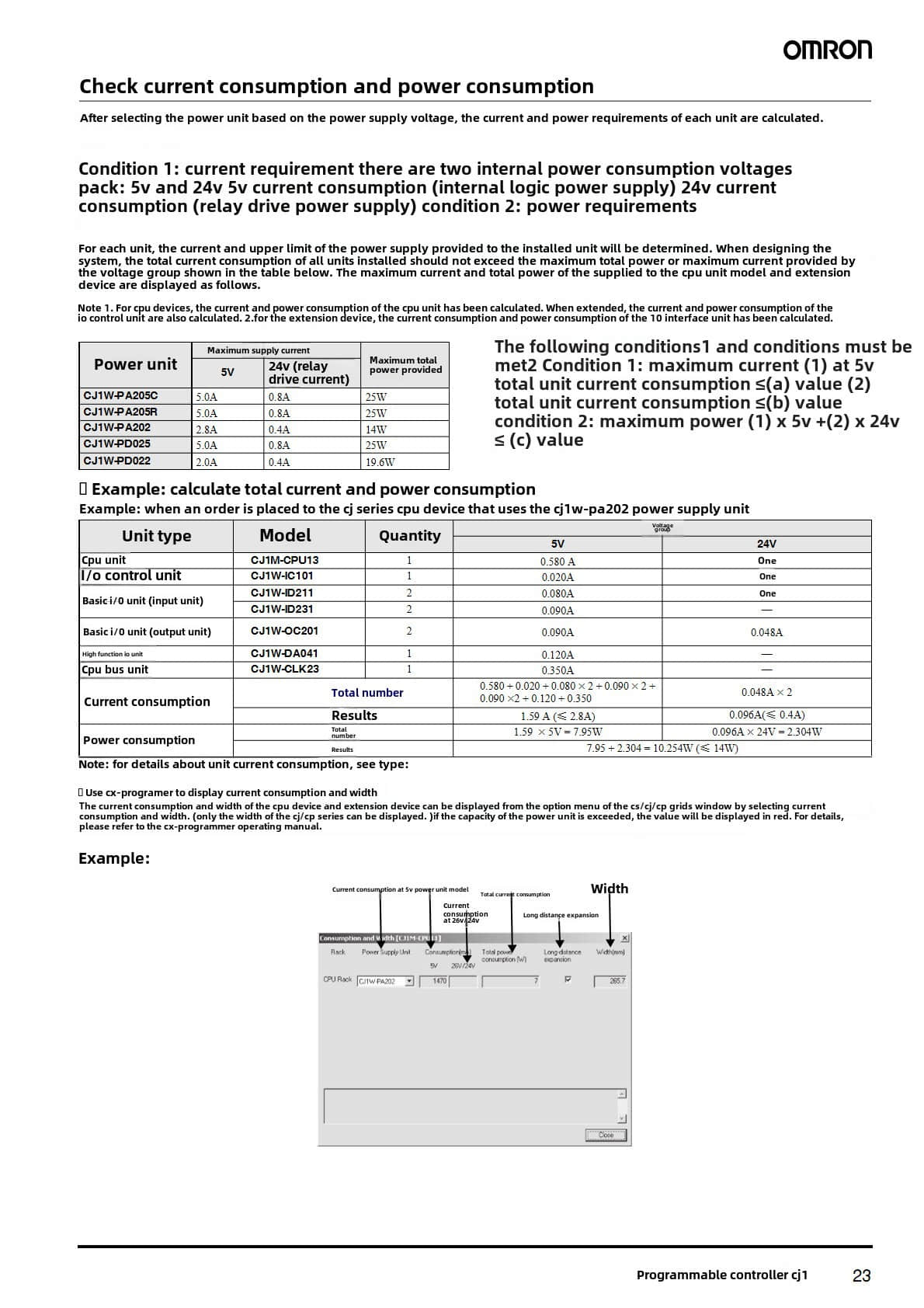
- Connect the power supply to the specified voltage (5V to 24V DC).
- Wire the I/O devices to the designated terminals on the CPU.
4. Network Setup:
- Connect Ethernet cables to the EtherNet/IP port for network communication.
- Use a USB port for programming connection if needed.
5. Power On:
- Switch on the power supply and check LED indicators for proper functioning.
6. Programming:
- Use compatible software to upload your control program via USB or Ethernet.
Precautions
- Ensure the power supply is disconnected during installation to avoid electrical shock.
- Follow all local electrical codes and standards when wiring.
- Avoid exposing the unit to extreme temperatures or humidity levels outside its operational range.
Omron CJ2M-CPU32 Related Part Numbers
Other models in the CJ2M series include:
- CJ2M-CPU31 (5K Steps)
- CJ2M-CPU33 (20K Steps)
- CJ2M-CPU34 (30K Steps)
- CJ2M-CPU35 (60K Steps)
Previous: Omron CJ1W-SCU41-V1 Communication Unit
