
Previous
Next
Using 6ES7193 6BP00 0BA0 base in Industrial Automation
1. Overview of Industrial Automation
1.1 Definition and Importance
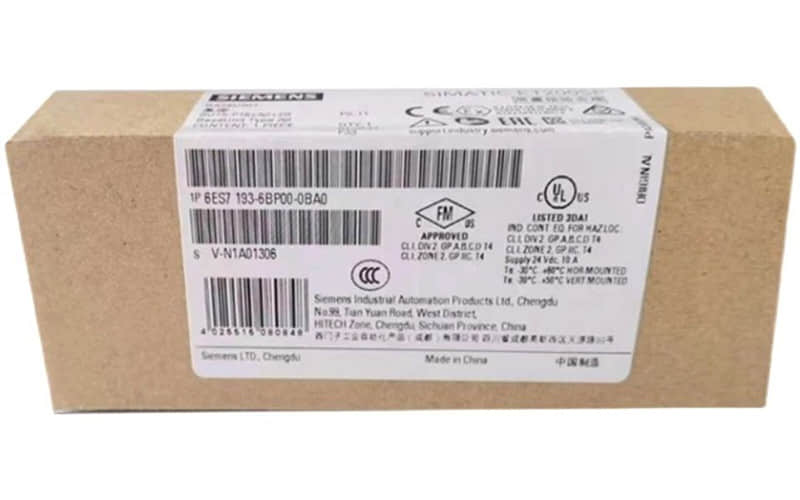
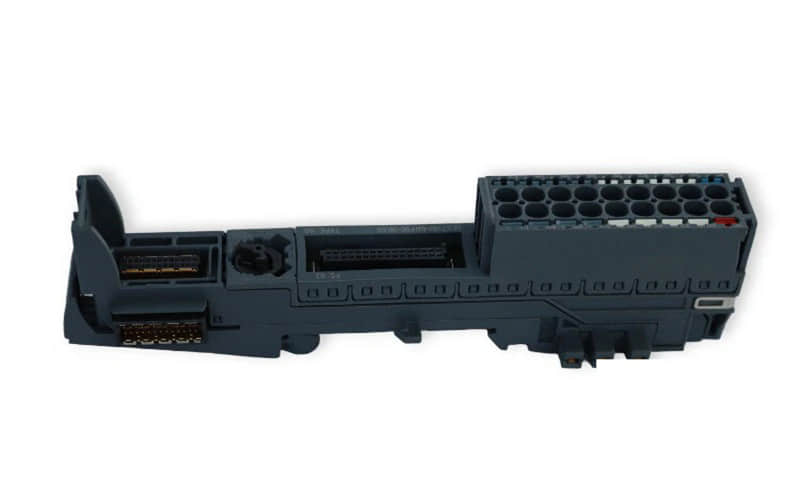
The 6ES7193-6BP00-0BA0 is a Base Unit (BU20-P16+A0+2B) designed for the Siemens SIMATIC ET 200SP distributed I/O system. It provides the mechanical and electrical interface between ET 200SP modules and the backplane bus. This connection enables communication between the modules and the main controller, such as an S7-1500 or S7-1200 PLC. This model includes 16 terminals, auxiliary terminals, and two bridging connectors for flexible wiring.
The 6ES7193-6BP00-0BA0 base provides a solid foundation to install I/O modules. It ensures modularity and allows you to expand or replace the system easily without rewiring the entire setup.
The base unit secures standardized connections between modules and the backplane bus. This setup guarantees stable communication and reliable signal transmission.
You can swap modules without affecting wiring, which helps reduce downtime.
Designed specifically for the ET 200SP platform, it ensures compatibility, space efficiency, and streamlined installation in control cabinets.
Integrated auxiliary terminals and bridging capabilities make it easier to handle power distribution and signal grouping within a compact footprint.
1.2 Key Components
l Backplane Connector – Links I/O modules to the controller.
l 16 Terminals – For wiring signals.
l Auxiliary Terminals – Share power or ground.
l Bridging Connectors – Simplify inter-unit wiring.
l Locking Clips – Hold modules securely.
l DIN Rail Mount – Easy panel installation.
2. Introduction to 6ES7193 6BP00 0BA0
2.1 What is the 6ES7193 6BP00 0BA0?
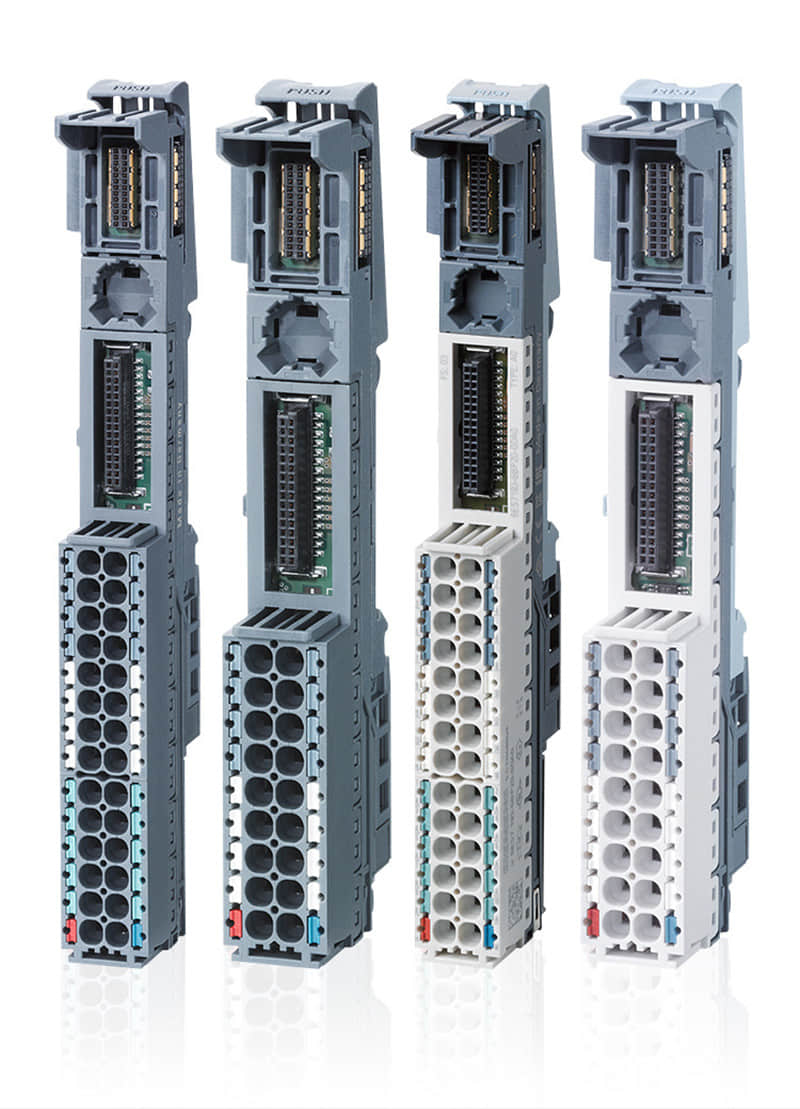
The 6ES7 193‑6BP00‑0BA0 is the compact backbone element of an ET 200SP I/O station.
2.2 Specifications and Features
l Product Type Base Unit (BU15-P16+A0+2B), Type A0
l Part Number 6ES7193-6BP00-0BA0
l System SIMATIC ET 200SP
l Terminals 16 push-in terminals (P16)
l Auxiliary Terminals Yes (A0) – for shared power/ground signals
l Bridging Connectors 2 included (2B)
l Width 15 mm
l Mounting Type DIN rail
l Wiring Type: Push-in
l Degree of Protection IP20
l Module Insertion Supports hot-swapping of modules
l Color Coding: Yes, for guided installation
l Weight Approx. 40 grams
l Compact Design: Slim 15 mm width saves panel space.
l Easy Installation: Tool-free, push-in wiring with DIN rail mounting.
l Flexible Wiring: Includes auxiliary terminals and bridging connectors.
l Hot Swappable: Modules are interchangeable without rewiring.
l Reliable Communication: Provides backplane bus interface for data and power.
Scalable System Integration: Easily adds more I/O modules for system growth.
l Automatic Module Coding: Prevents incorrect module placement.
2.3 Applications in Industrial Automation
The 6ES7193-6BP00-0BA0 base unit plays a key role in various industrial automation systems. Its compact design and modularity make it suitable for the following applications:
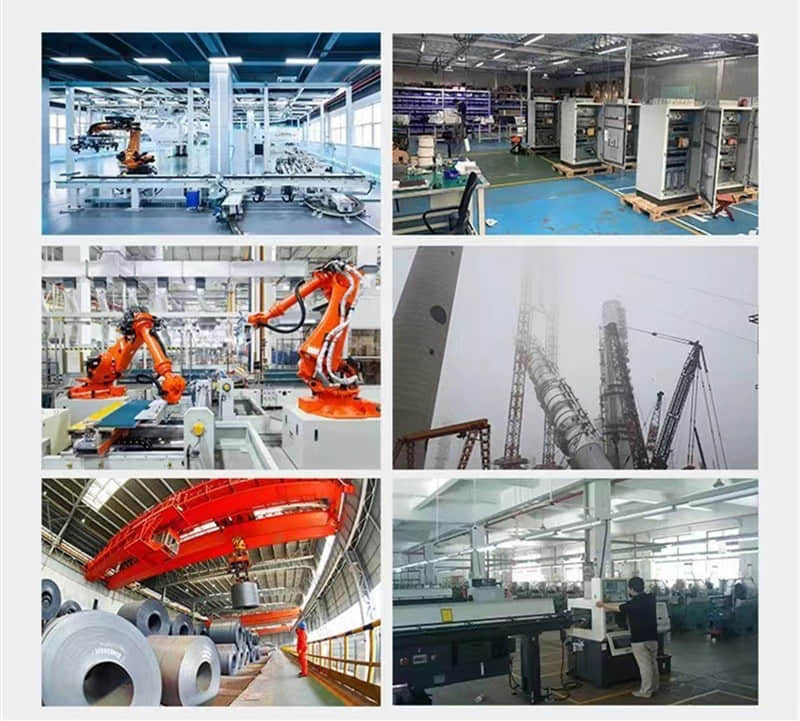
Factory Automation
Connects digital and analog I/O modules to control systems.
Used in packaging lines, robotic assembly, and conveyor control systems.
Process Automation
Supports monitoring and control of pressure, flow, and temperature sensors.
Ideal for industries like oil & gas, water treatment, and chemical processing.
Machine Building
Enables integration of I/O modules in compact machine control panels.
Used in CNC machines, injection molding, and textile equipment.
Automotive Manufacturing
Coordinate distributed sensors and actuators across multiple stations.
Facilitates real-time control in welding, painting, and assembly lines.
Building Automation
Helps manage lighting, HVAC, and access control systems.
Supports decentralized control systems in smart buildings.
Energy and Utilities
Supports modular control systems in power generation and distribution.
Used in wind turbines, substations, and energy monitoring systems.
3. Siemens Programmable Logic Controller (PLC)
3.1 Benefits of Using Siemens PLCs
Siemens PLCs deliver a modular design that suits a wide range of industrial automation needs. You can easily scale them from small machines to large, complex systems.
The TIA Portal software makes programming, diagnostics, and system management simple. Siemens also ensures seamless integration with HMIs, SCADA, and cloud platforms, supporting modern, connected operations.
With strong global support and clear documentation, Siemens provides a dependable and future-ready automation solution.
3.2 Integration with 6ES7193 6BP00 0BA0 siemens
The 6ES7193-6BP00-0BA0 base unit integrates seamlessly into the Siemens SIMATIC ET 200SP distributed I/O system. It serves as the physical and electrical interface that links ET 200SP I/O modules to the backplane bus.
This base unit supports easy mounting of input/output modules. It distributes power and signals through built-in terminals and bridging connectors. You can install and replace modules quickly without tools, which simplifies system expansion and maintenance.
Using the 6ES7193-6BP00-0BA0 creates a compact, modular, and scalable automation setup. It integrates smoothly into Siemens automation networks, enabling efficient data exchange, real-time control, and flexible system design.
4. PLC Programming Tutorials
4.1 Getting Started with Siemens PLC Programming
To get started with Siemens PLC programming, install the TIA Portal software. Connect your PLC to the PC via Ethernet or USB. Create a new project, configure the hardware, and write your control logic using ladder or function block diagrams. Finally, download the program to the PLC and test its operation.
4.2 Programming the 6ES7193 6BP00 0BA0
You don’t program the 6ES7193-6BP00-0BA0 base unit directly because it serves as a physical interface for ET 200SP I/O modules. Instead, program the connected Siemens PLC (like S7-1500) using TIA Portal. Configure the ET 200SP station with the base unit and modules, write your control logic, then download the program to the PLC for execution.
4.3 Common Programming Challenges and Solutions
Common programming challenges with Siemens PLCs include communication errors, incorrect hardware setup, and timing problems. To fix communication issues, verify network settings and check cabling carefully. Match hardware configurations in TIA Portal exactly to the physical devices to prevent mismatches.
Optimize scan cycles and use interrupts to address timing problems. Use built-in diagnostics and simulation tools to find errors early. With proper training and thorough testing, you can reduce mistakes and improve system reliability.
5. 6ES7193 6BP00 0BA0 Datasheet or 6ES7193-6BP00-0BA0 Manual

For more items, please refer to the top: https://www.ymzdcs.com/product/plc/
