
Previous
Next
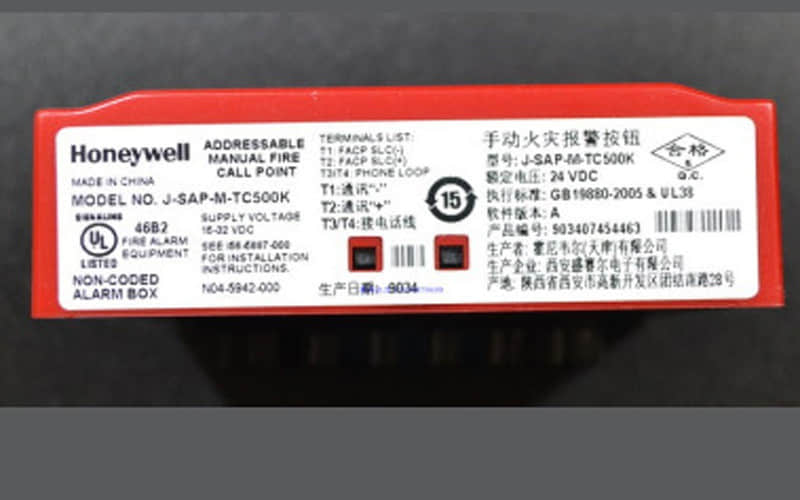
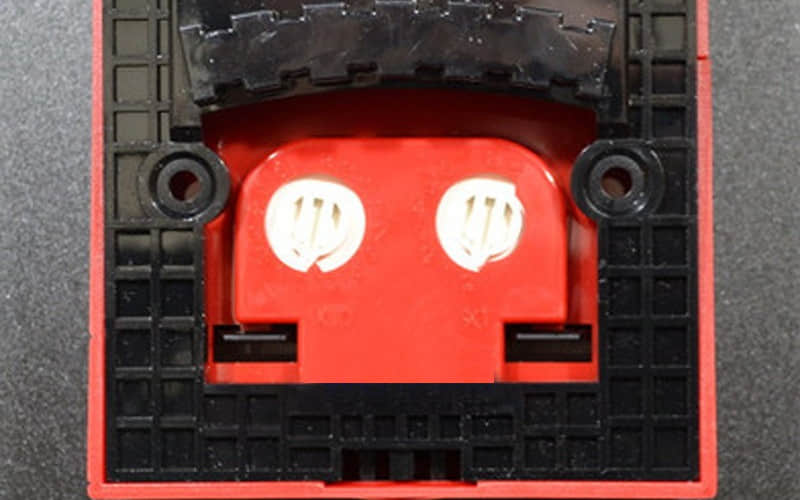
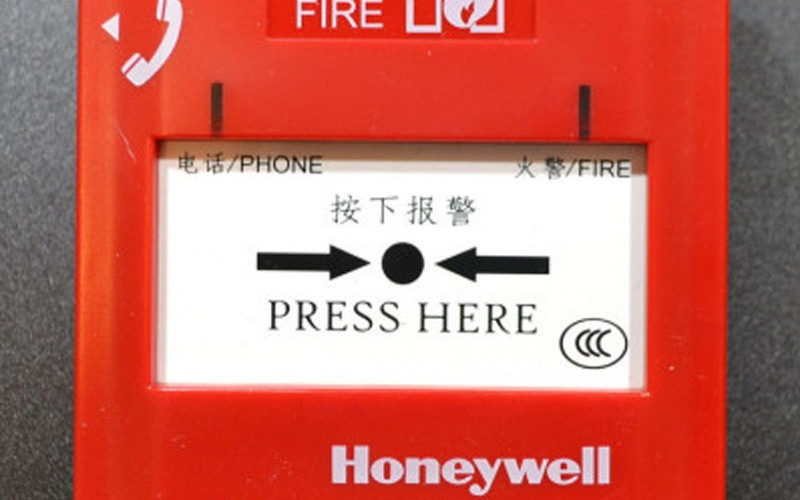
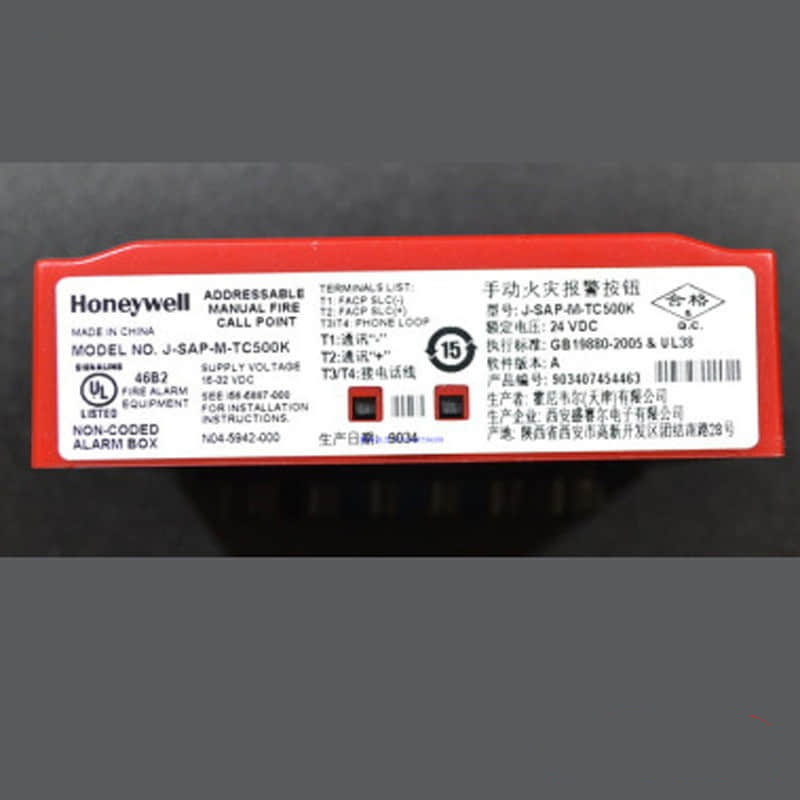
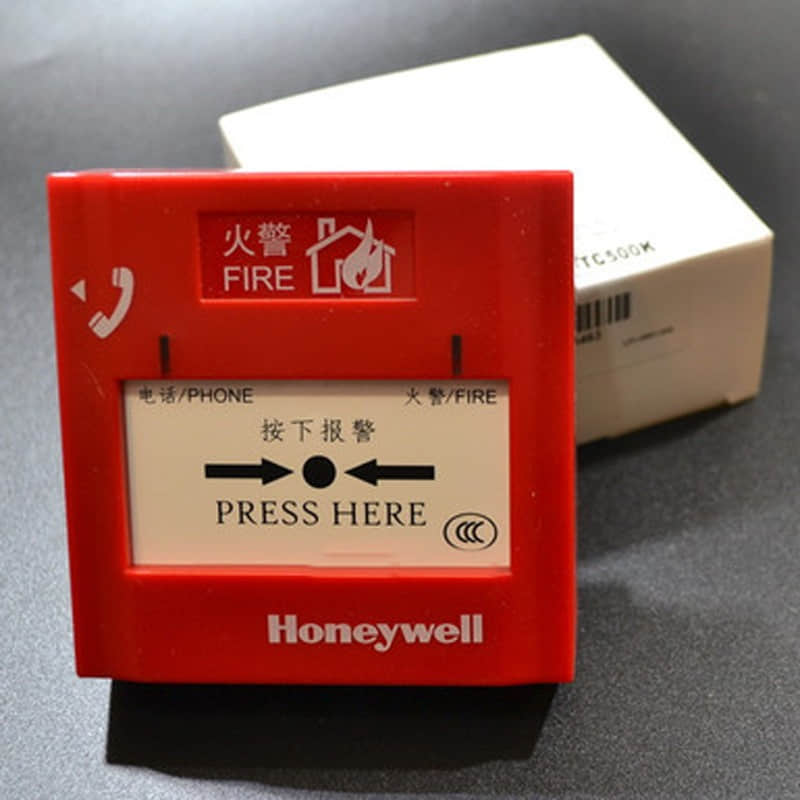
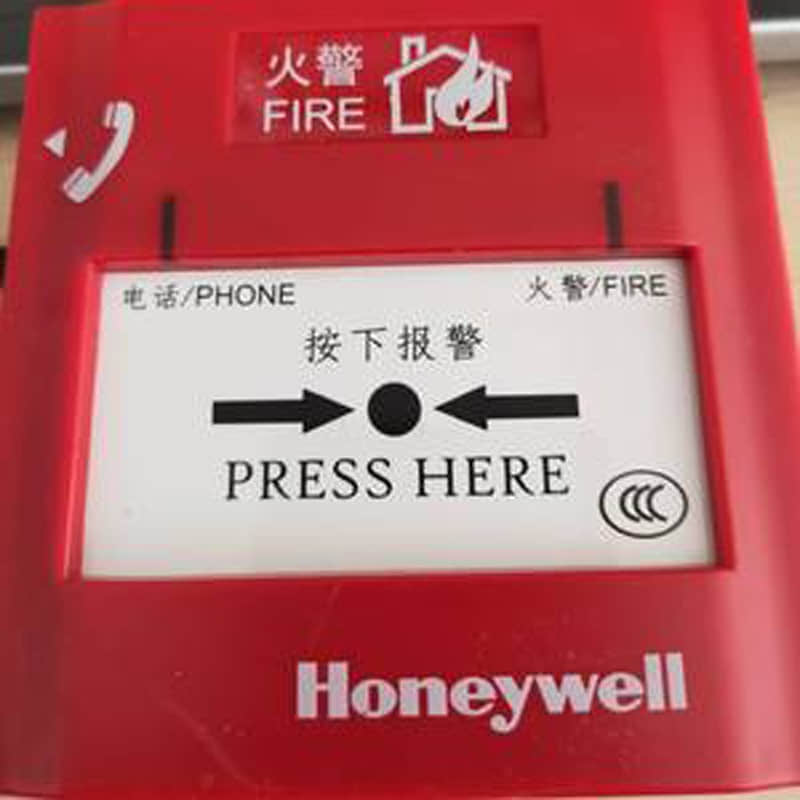
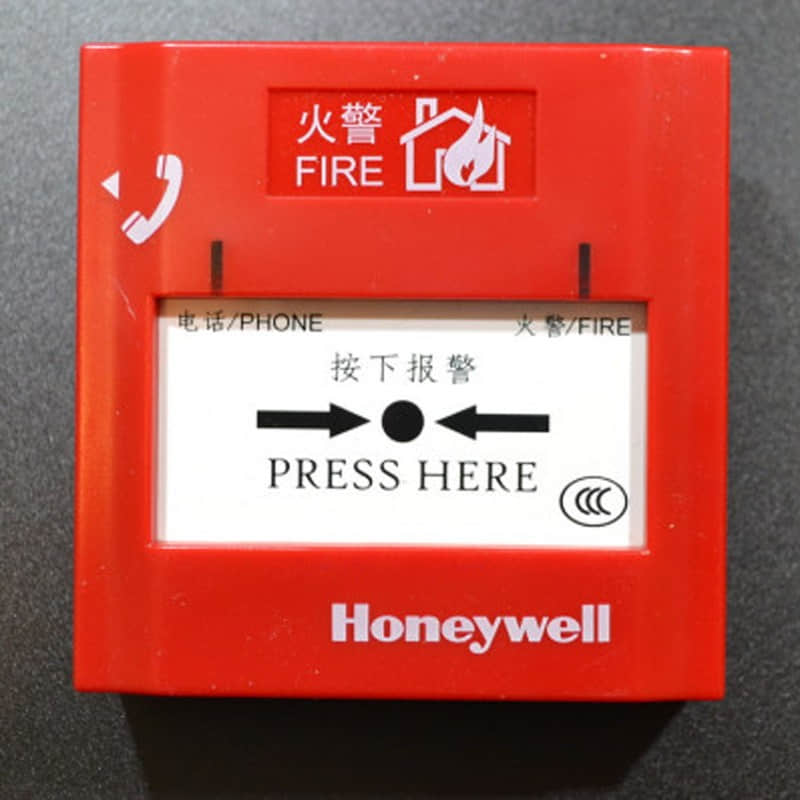
Honeywell TC500K Manual Alarm Button
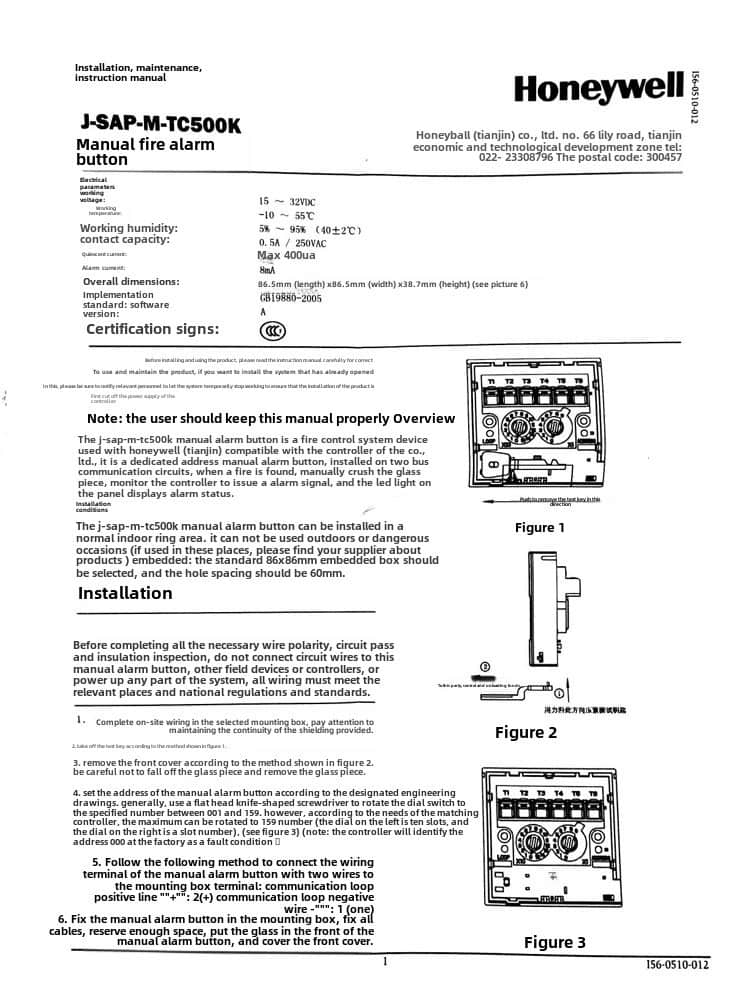
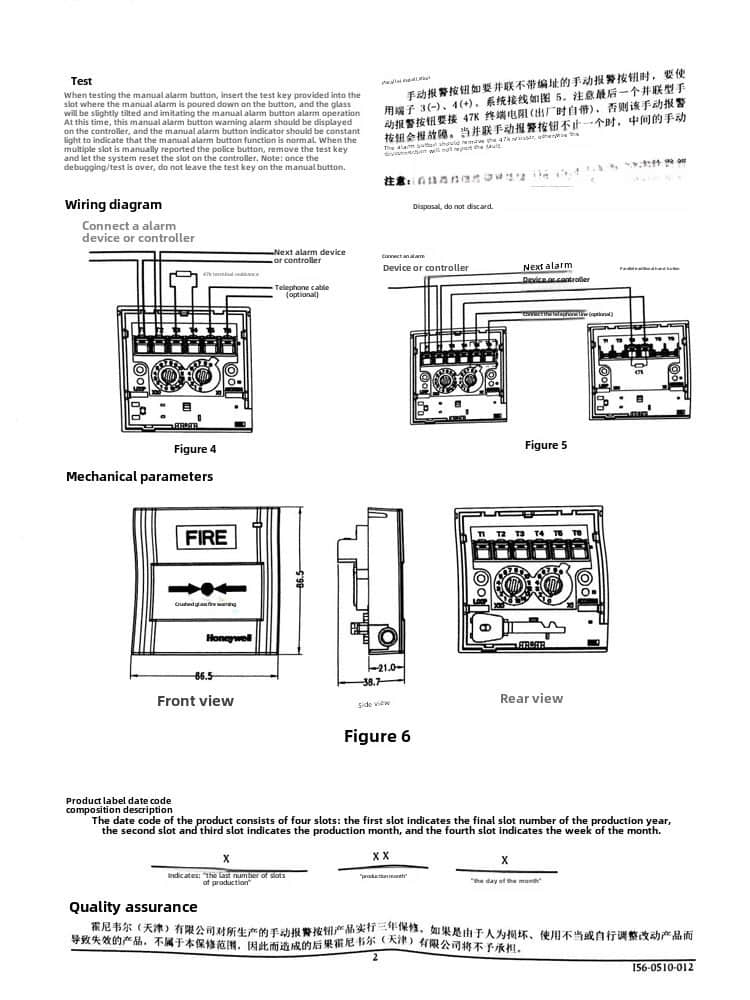
1. Overview
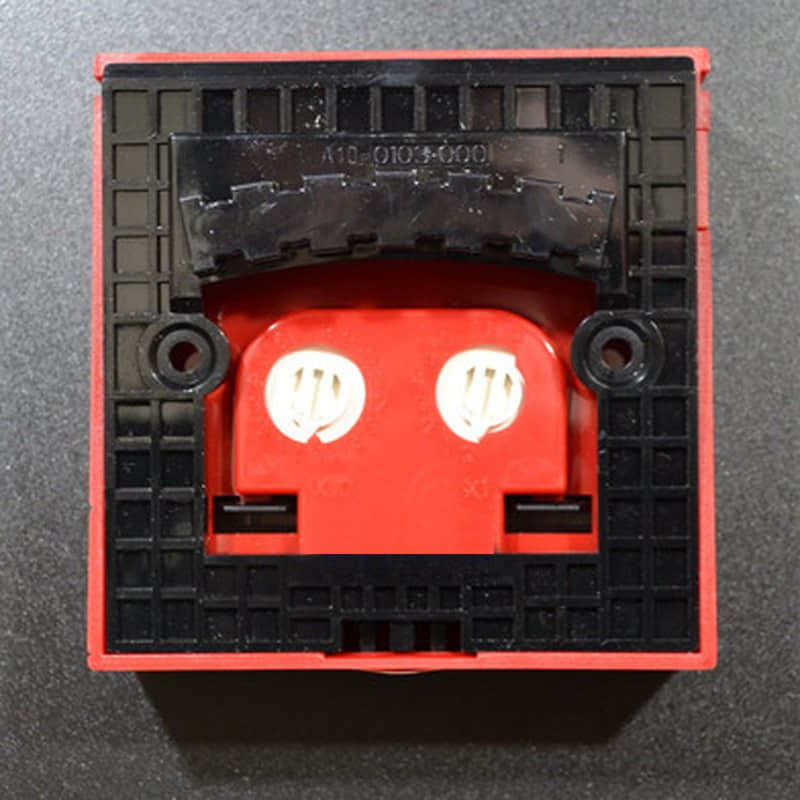
l The Honeywell TC500K Manual Alarm Button is a strong manual alarm button. It works with smart controllers. It has a built-in decimal coding switch for easy address setup. This two-wire device polarises and activates the fire alarm manually when someone breaks the glass.
l Upon activation, the alarm light illuminates, and the controller emits an alarm sound, displaying the alarm address simultaneously. You must install at least one manual fire alarm button in each fire protection zone. No point in a zone should be more than 30 meters from the nearest button.
l Models like the Honeywell TC500 thermostat, TC500A, and TC500A-N work well with modern safety systems. Variants like the J-SAP-M-TC500K, a durable manual alarm button, provide flexible installation options for various facilities.
l Honeywell also provides additional devices. These include the tc810n1013 module, tc810n1013c module, st3000 transmitter, std725 pressure transmitter, and std810 pressure transmitter. These devices improve safety and monitoring in industrial and commercial settings.
2. Manual Fire Alarm Button Placement
Place manual fire alarm buttons at the entrances and exits of public spaces. Ensure they are easily visible and accessible. If a fire hydrant box is nearby, you can install the button adjacent to it.
When mounted on a wall, the bottom edge should be 1.5 meters above the ground, with clear signage indicating its location. The button is available in surface and flush versions, depending on user requirements.
3. What is the K terminal on a Honeywell thermostat?
The K terminal on a Honeywell thermostat simplifies wiring for homes with limited wires. It merges the Y (cooling) and G (fan) terminals into one, allowing both functions to run through a single wire. This is particularly helpful when upgrading to a smart thermostat, such as the Honeywell TC500. You won’t need new wiring.
However, the K terminal only works with specific Honeywell models and requires a C-wire adapter module. Always confirm compatibility before use.
4 . Technical Specifications of Honeywell TC500K
l Operating Voltage: 24 VDC
l Monitoring Current: ≤0.6 mA
l Activation Current: ≤1.8 mA
l Connection Type: Two-wire system with polarity
l Passive Output Contact Capacity: DC 60V/100mA
l Operating Environment:
l Temperature: -10°C to +55°C
l Relative Humidity: ≤95%, non-condensing
l Protection Rating: IP43
l Dimensions: 90 mm x 122 mm x 48.5 mm (with base)
5. Detailed Features
The Honeywell TC500K offers:
l Plug-and-Play Structure Design: Simplifies installation and maintenance.
l Non-Polarised Signal Two-Wire System: A handheld electronic encoder allows for address coding between 1 and 242.
l Resettable Glass Panel: Can be reset using specialised tools after activation.
l Passive Output Contact Signal: Provides direct control for other external devices upon activation.
6 . Applications
The Honeywell TC500K Manual Alarm Button is widely used in:
l Commercial Buildings: Ensures fast activation of fire alarms in offices, retail stores, and public spaces.
l Industrial Facilities: Works with transmitters and modules, such as the ST3000 or STD725 pressure transmitter, for enhanced fire protection.
l Public Spaces: Hospitals, schools, and community centres rely on quick-response alarm buttons.
l Residential Areas: Enhances safety in apartment complexes by ensuring immediate manual fire alarm activation.
7. Installation of Honeywell TC500K
Follow local fire safety standards when installing. Install the unit 1.3 to 1.5 meters above the floor for easy access. Leave at least 15 cm of spare wiring for easier maintenance and repair.
8. Related Part Numbers of Honeywell TC500K
l Honeywell J-SAP-M-TC500J Manual Alarm Button
l Honeywell J-SAP-M-TC501K Manual Alarm Button
l Honeywell TC500K, TC500A, TC500A-N
l Honeywell TC810N1013 module and TC810N1013C module for system integration
